We can import site geometry from Archicad and then use the modeling capabilities of Arkio to test multiple massing schemes quickly.
Read more Greg Davey Director, Davey + Smith Architects
Archicad to VR with Arkio
Export Archicad models to Arkio and step into them in VR or mixed reality with the rest of the team. Review massing, interiors and feasibility options at 1:1 scale, keep BIM data and layers visible, and make earlier decisions with clearer spatial feedback.
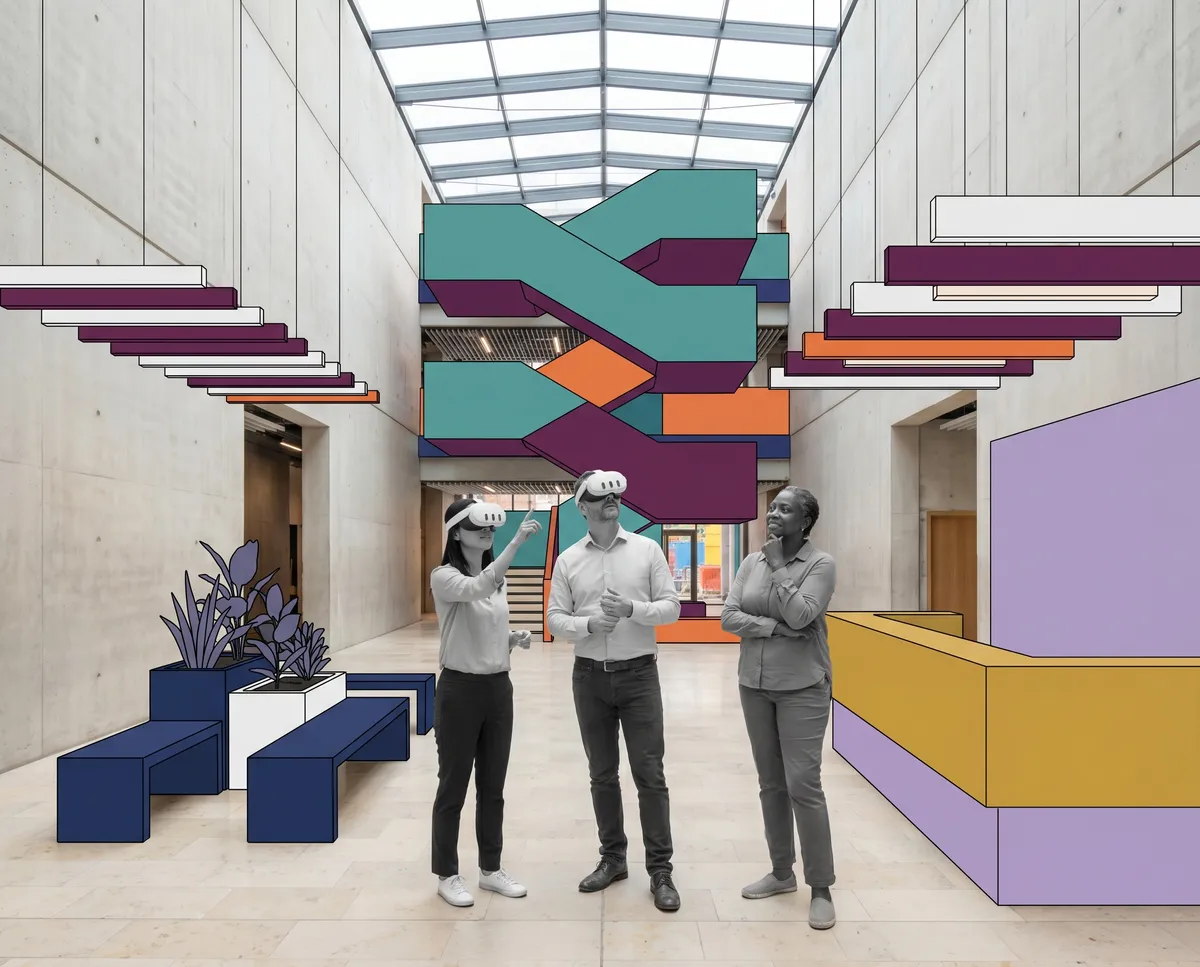
Archicad teams often need to move quickly between massing studies, interior development and client communication. Arkio makes those reviews easier to understand because the team can gather around a scale model, jump to full scale, sketch on top and bring mixed reality into the process when site context matters.
We can import site geometry from Archicad and then use the modeling capabilities of Arkio to test multiple massing schemes quickly.
Read more Greg Davey Director, Davey + Smith ArchitectsWe mostly use Arkio as a VR meeting and collaboration tool that allows us to explore our 3D models together. We simply export .obj files from our 3D models in Archicad and send them over to the Quest.
Read more James Dodson Architect & Partner, SPINN Arkitekter
We bring models to Arkio from Archicad by exporting the 3D view and then join on the Quest or iPad to share the models across devices.
Read more Jeff Akerman AIA, Principal, Rise Architects
Yes. Arkio has an Archicad plugin, and the Windows installer includes it alongside the other desktop plugins. If your team uses Archicad on Mac, Arkio also provides a Mac plugin workflow documented in the Help Center.
Install the Archicad plugin and export your model to Arkio for immersive review. The workflow is designed to move the same design model into VR or mixed reality so you can review it without rebuilding it somewhere else first.
Yes. Arkio supports viewing BIM information and toggling layers for models imported through its plugin workflows, which makes Archicad reviews easier to focus, present and coordinate.
Yes. Arkio runs on Meta Quest, so Archicad teams can step into the model in VR or use mixed reality to compare the design to the real room, shell or site context at full scale.
Arkio runs on Meta Quest, Windows, macOS, iOS and Android. That means one person can walk the Archicad model in a headset while colleagues or clients follow from desktop, tablet or phone.
Importing files exported from the Arkio Archicad, Revit, Rhino or SketchUp plugins requires Arkio Pro or Enterprise. The pricing page compares Free, Plus, Pro and Enterprise side by side if you want to check which plan fits your Archicad workflow.
Download Arkio, install the Archicad plugin for the platform your team uses, and export a model into your first immersive review. The workflow overview shows how Arkio fits into design development, the pricing page explains which plans include plugin workflows, and the Archicad to Arkio Help Center article is the best place to continue with setup details, layers, BIM data, and device-specific review guidance.