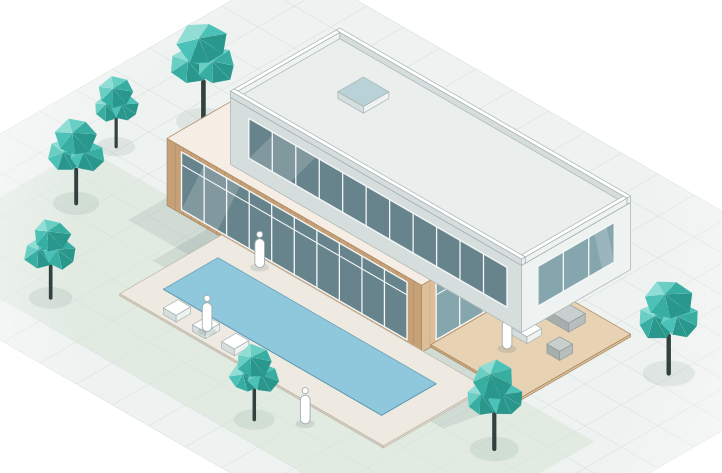
Show them the real thing.
Clients shouldn't have to decode drawings. Walk them through the design at full scale, switch on Live render for the finished look, and send renders and films that match the model exactly.

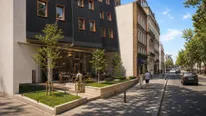

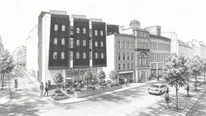
Bring the client inside.
Share a link and walk through the design together at eye level, in any browser. Gather everyone at the spot you want to show, then let them look around on their own.

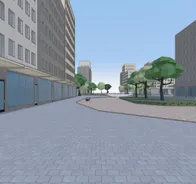
The finished look, live.
Switch on Live render and the model takes on real materials and light as you walk through it. Change something and the client sees it straight away, already looking finished.

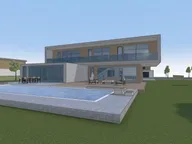


Every render matches the model.
Renders and films in Arkio are made from a real, measurable 3D model. The layout, the sizes and the program stay the same in every image, so you can present with confidence.
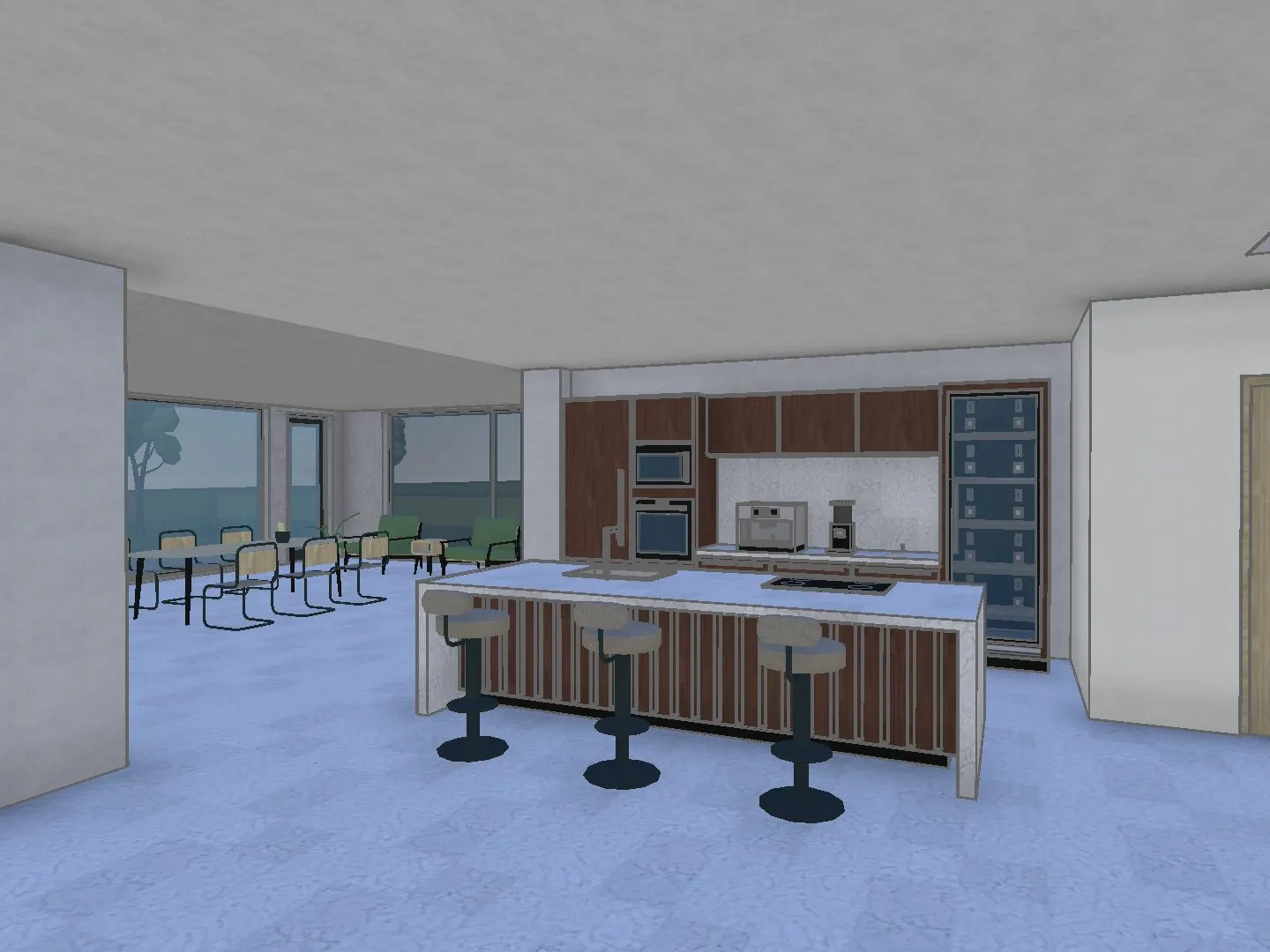 3D model
 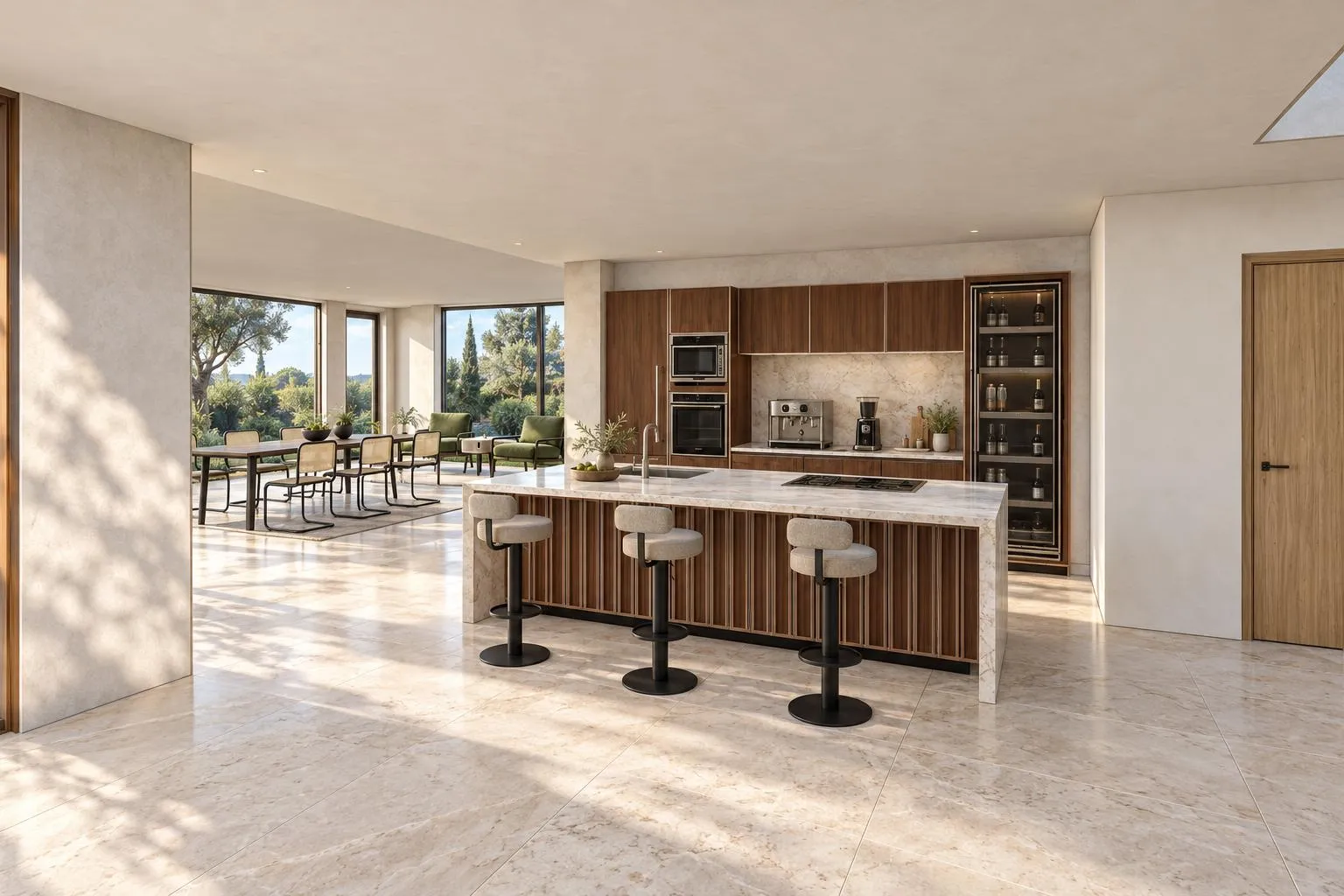 AI render
 The sizes stay true
A 2,000 m² building is 2,000 m² in every render and film, because they are all made from the same model.
Any view, any time
Pick a new viewpoint and render it. Nothing has to be imagined by the AI or drawn again.
What they approve is real
The client signs off on a design you can export and develop, not on a picture.
Let them keep looking.
Send the link after the meeting. The client walks through again with their family, their board or their builder, and leaves notes right in the model for you to pick up.
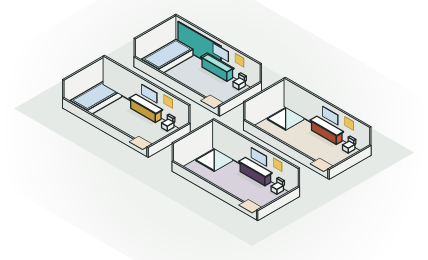
Presenting with Arkio.
Arkio allows our team to design and test their ideas in 3D space in a digital mock-up, as if it's already constructed on site.
 Jason FungFounder and Principal, Jason Fung Architect
Arkio makes it easy for us to gather our team inside our designs to discuss and sketch ideas at 1:1 scale.
 James DodsonArchitect & Partner, SPINN Arkitekter
Arkio feels playful and simple, but it enables serious immersive collaboration. Whether with clients, communities, or our own teams around the world, it helps us make better design decisions together.
 Anna MytculVisualization Specialist, KPF London
Good to know.
Does my client need an account or an app?
No. A link opens the design in the browser, on a laptop, tablet or phone, with no account and nothing to install.
Can I stop the client from changing things?
Yes. Share a view link and people can look around without changing anything. Send an edit link only to the people who should make changes.
How are the AI renders and films made?
From your 3D model. You choose the view and the style, and the AI renders the scene as it is, so the building itself stays exactly as designed. Renders and films use AI credits.
Can I present on a big screen?
Yes. Present from any browser, including on a meeting room screen, bring everyone to where you are with Gather everyone, and let people look around on their own device.
Can I present in VR?
Not yet in Arkio 3.0: a re-imagined VR version is coming soon. Until then, the Arkio 2.3 apps for Meta Quest and PC VR headsets are free to use. Arkio 3.0 already runs on iPad in the browser, and a native iPad app comes next.
Make your next presentation the one they remember.
Describe the design, then walk the client through it.
AI credits required · Runs in your browser · No 3D skills needed