Review it at full scale. Decide on the spot.
Bring your model into Arkio, walk through it together and settle questions while everyone is in the room. Notes stay pinned where the question is, and you can try the fix right there.
From questions to decisions in one session.
Reviews in Arkio happen inside the design, not around a printout, so everyone sees the same thing and decisions get made while the right people are there.
- 01 · BRING IN
Bring in the model
From Revit, Rhino, SketchUp, Archicad or Navisworks, or as GLB or OBJ.
- 02 · WALK
Walk it together
Everyone joins from a link and looks at the same thing, at full scale.
- 03 · NOTE
Note it where it is
Questions are pinned to the spot in the model, with a thread for each.
- 04 · FIX
Try the fix
Make the change by hand or with the agent while everyone is still there.
 AI render
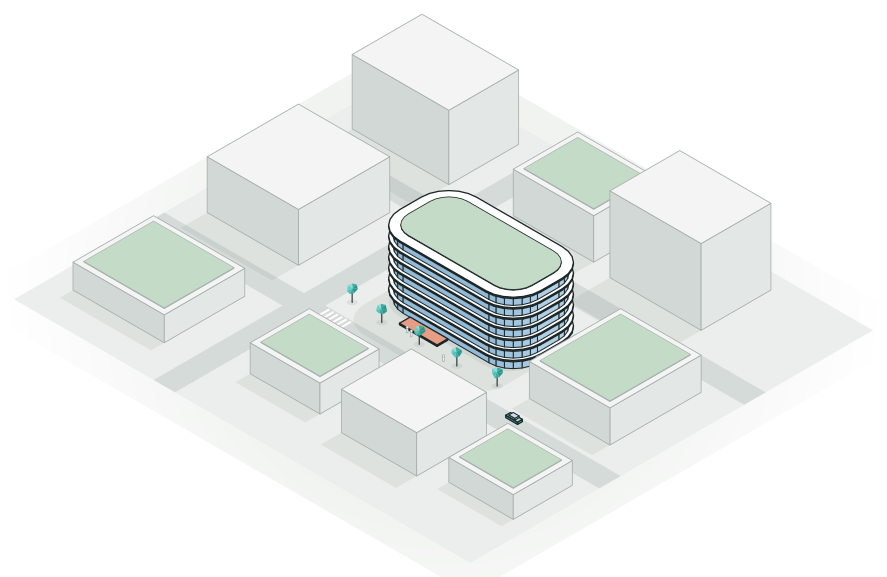
 Cut the model open and review the layouts floor by floor. This render was made in Arkio from the review model.
The model you already have.
Bring in models from Revit, Rhino, SketchUp, Archicad and Navisworks. Show the layers that matter for this review, check BIM data, and ask the agent to find what you're looking for.
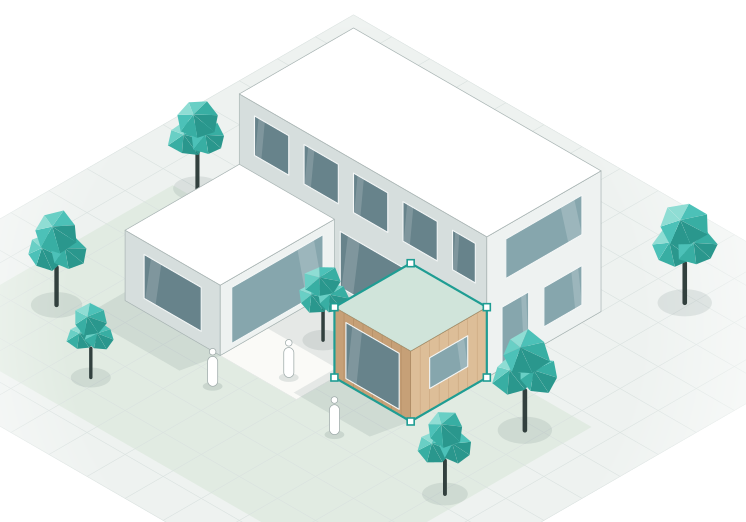
Notes where the question is.
Pin a note to the exact spot in the model, talk it through in its thread and resolve it once it's settled. Every note also shows up in the group chat, so nobody misses one.
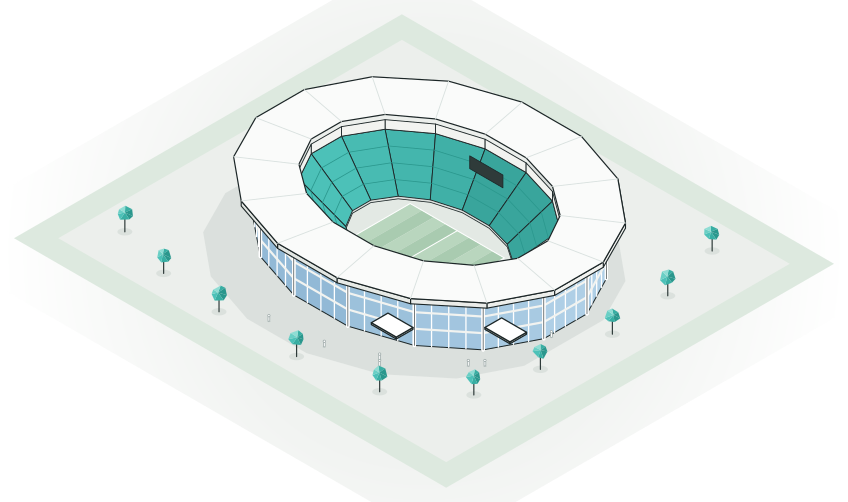
Try the fix while everyone is there.
Don't wait for the next round. Ask the agent for the change, or make it by hand, and look at it together straight away. Nothing is baked in, so you can always go back.
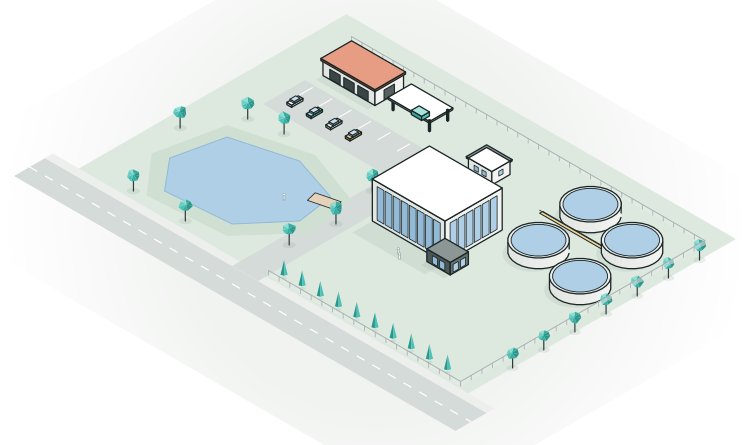
Take the decisions back to your tools.
Export the agreed design to Revit, Rhino or SketchUp, or as OBJ or GLB, and carry on with detailed design and documentation.
Reviewing with Arkio.
Being able to step inside the model together helps teams reach alignment faster and gives stakeholders a clearer understanding of the design.
 Abby ColemanInnovation Extended Reality Specialist, IMEG
Arkio makes it easy for us to gather our team inside our designs to discuss and sketch ideas at 1:1 scale.
 James DodsonArchitect & Partner, SPINN Arkitekter
It just works! Arkio seems designed to be used and is easy to learn.
 Marius JablonskisDigital Transformation Leader, Norconsult
Good to know.
Which files can I bring in?
Every plan imports images and 3D files like GLB and OBJ. Pro and Team add models from Revit, Rhino, SketchUp, Archicad and Navisworks, and reviewing them with layers and BIM data.
Does a review change my original model?
No. Arkio works on its own copy of the model. When the changes are agreed, export the result back to Revit, Rhino or SketchUp and carry on there.
How many people can join a review?
Live design sessions hold up to 6 people on Pro and up to 12 on Team. Anyone else with the link can look around in their own time and, with a free account, add notes.
Do reviewers need to know Arkio?
No. They open a link in the browser and walk around like in a game. With a view link they can't change anything by accident.
Is there a record of what was decided?
Yes. Notes and their threads stay in the scene, and they also appear in the group chat, so the next review starts where the last one ended.
Bring your next review into Arkio.
Tell the agent what to look for, then walk through it together.
AI credits required · Runs in your browser · No 3D skills needed