Three steps you already know.
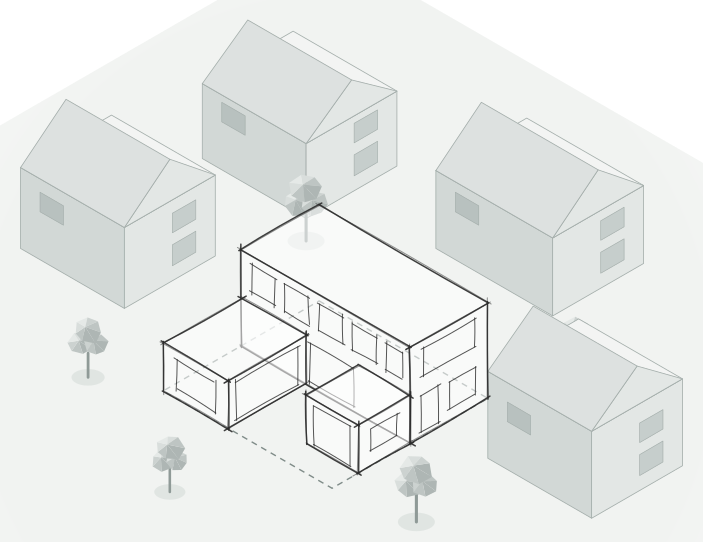
You know how to sketch an idea, share a link and walk into a room. That's all Arkio asks of you. The AI agent does the modeling.
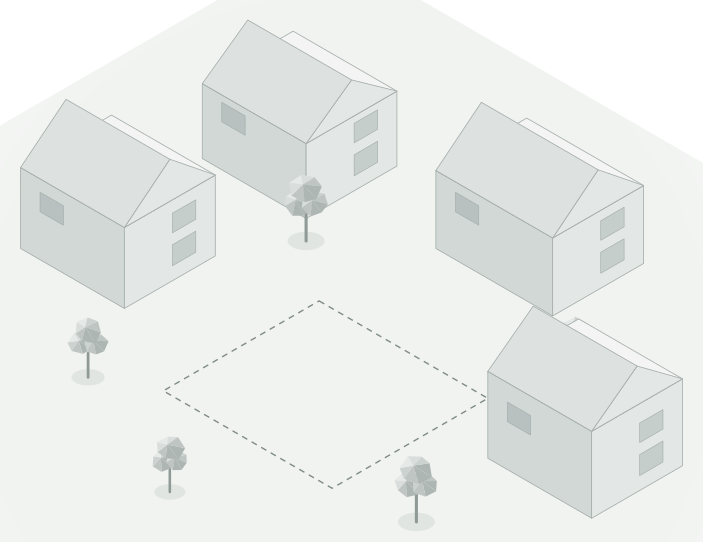
- Your site
- Sketch it
- Share it
- Step inside
Start with whatever you have.
Drop in a sketch, a photo or a floor plan, or just describe what you want. The agent builds a real 3D model and shows its work as it goes.
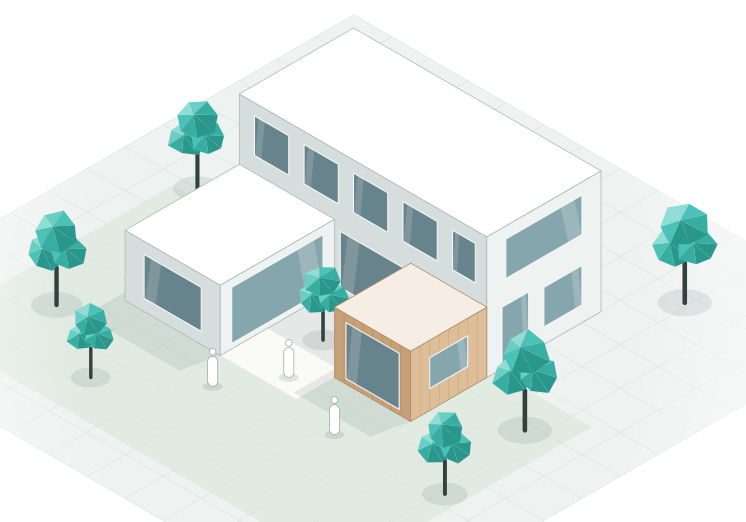
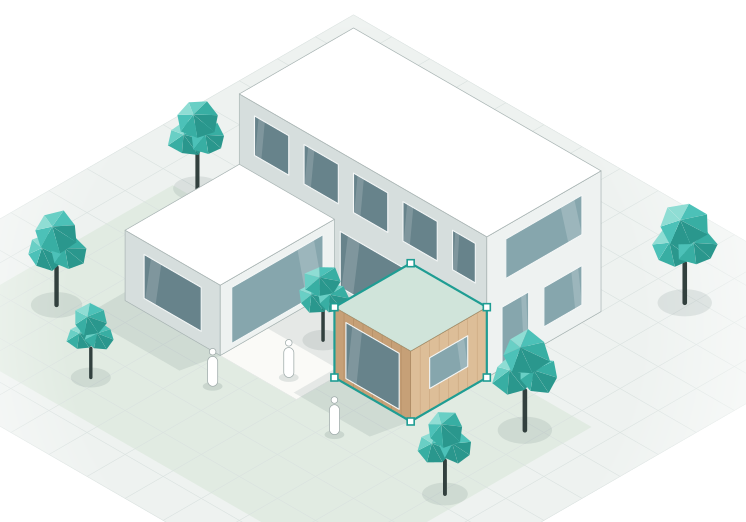
One link. Everyone in the same model.
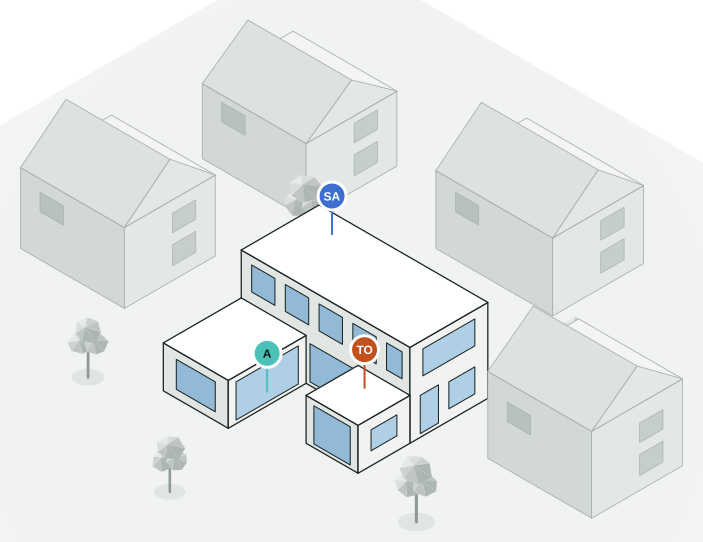
Send a link and your team, your client and your consultants join from their browser. Work on it together live, or leave comments for later.
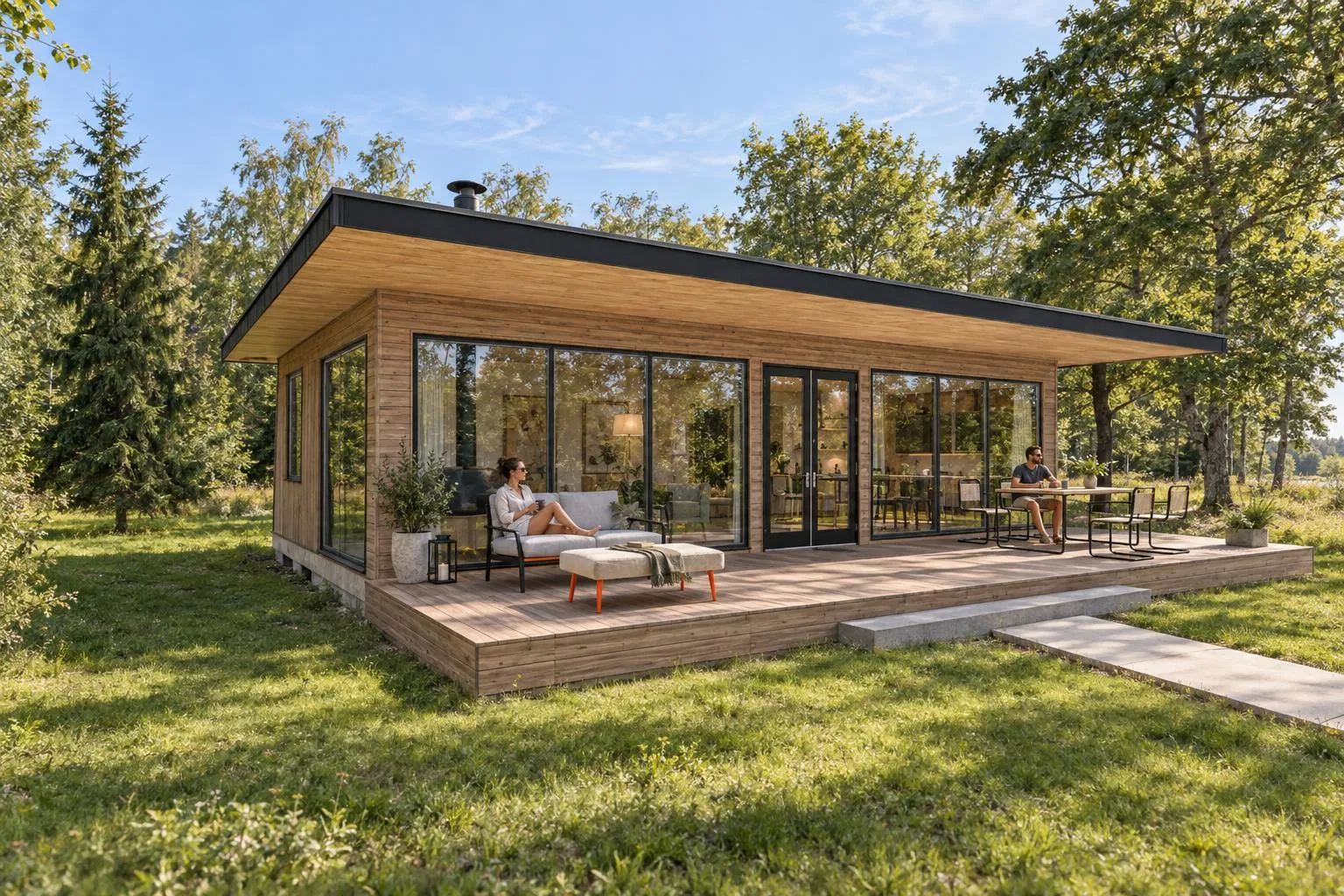
Walk through it. Render it. Film it.
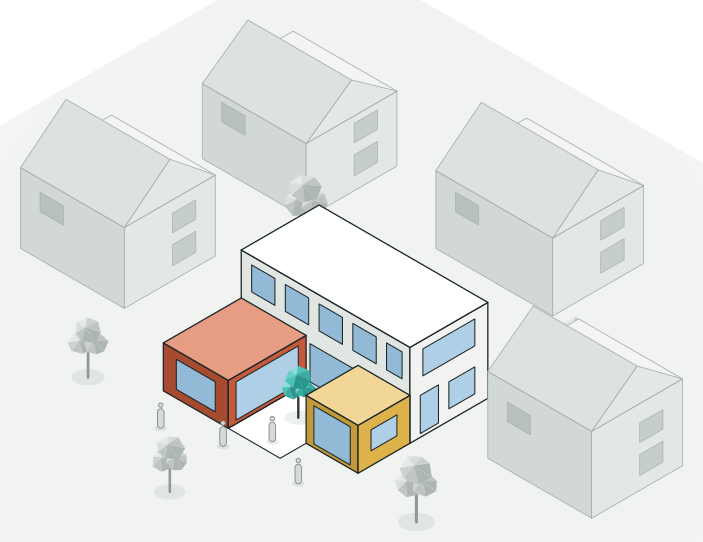
Explore your design at human scale in the browser. Switch on Live render to see the finished look while you work, and turn any view into a render or a film.


And when you're ready for detail, hand it off.
Good to know.
Do I need any 3D experience?
No. Describe your idea or sketch it and the agent builds the model. If you want to change something yourself, the tools are simple enough to learn as you go.
What do I need to run it?
A modern web browser on a laptop, tablet or phone. There's nothing to install.
Can I bring in my existing models?
Yes. Bring in models from Revit, Rhino, SketchUp, Archicad and Navisworks to design in context.
Can my client join without installing anything?
Yes. Send a link and they can view, comment or edit, depending on the access you give them.
How accurate are the AI renders?
They're made from your 3D model, so the building's size, layout and openings stay the same in every render and film.
What happens when I need drawings?
Hand off the model to Revit, Rhino or SketchUp for detailed design and documentation.
What will you design first?
Describe it in a sentence. The agent takes it from there.
AI credits required · Runs in your browser · No 3D skills needed