See your new space before the builders arrive.
Sketch your idea or describe it in your own words. Arkio's AI agent turns it into a 3D model you can walk through, change and share with your architect or builder.
Three easy steps.
No drawings, no software to learn. If you can describe it, you can design it.
-
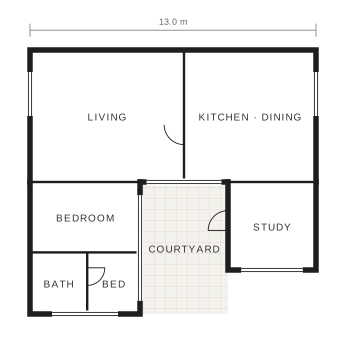
Show what you have
A photo of the room, a rough sketch or an old floor plan. Anything helps.
- Open up the kitchen, add an island and let more light in.On it. Three layouts coming up.
Say what you want
Talk to the agent the way you'd talk to a friend who happens to be an architect.
-
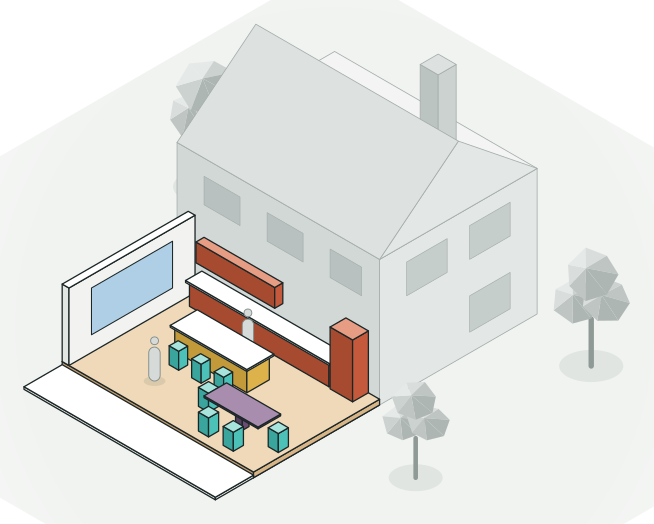 Shared with Sam the builder
Walk through it and share it
Try it at full scale, then send a link to your partner, architect or builder.
Whatever you're planning.
Kitchen
Try layouts, islands and finishes before anything is ordered.
Extension
See how much space you really gain, and how it feels.
Loft conversion
Check head height and light before you commit.
Garden studio
Fit an office, a gym or a guest room at the end of the garden.
Bathroom
Plan it to the centimetre and try it at full scale.
Garden and terrace
Lay out paths, planting and places to sit.
From the model to how it will look
-
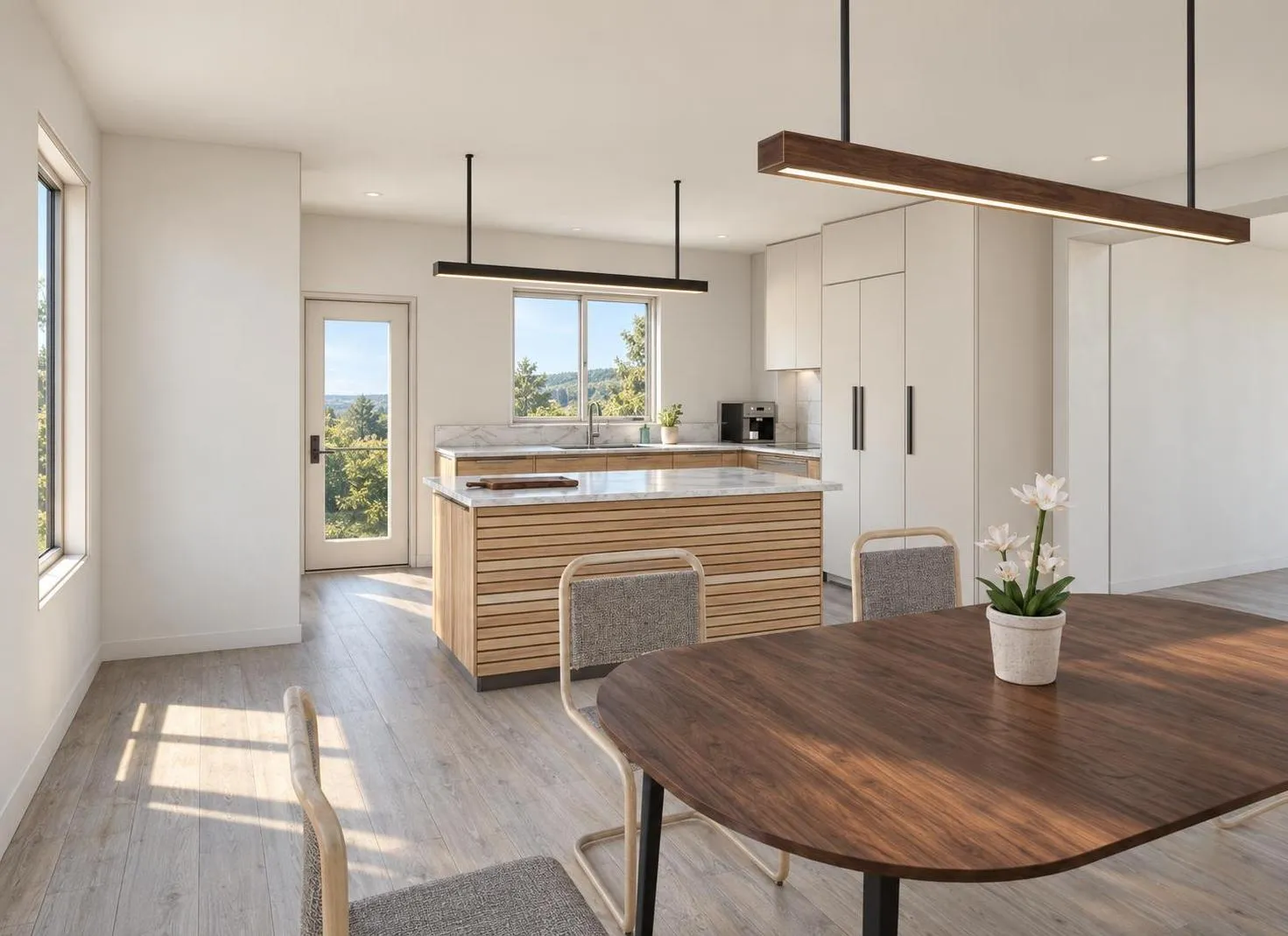 AI render
 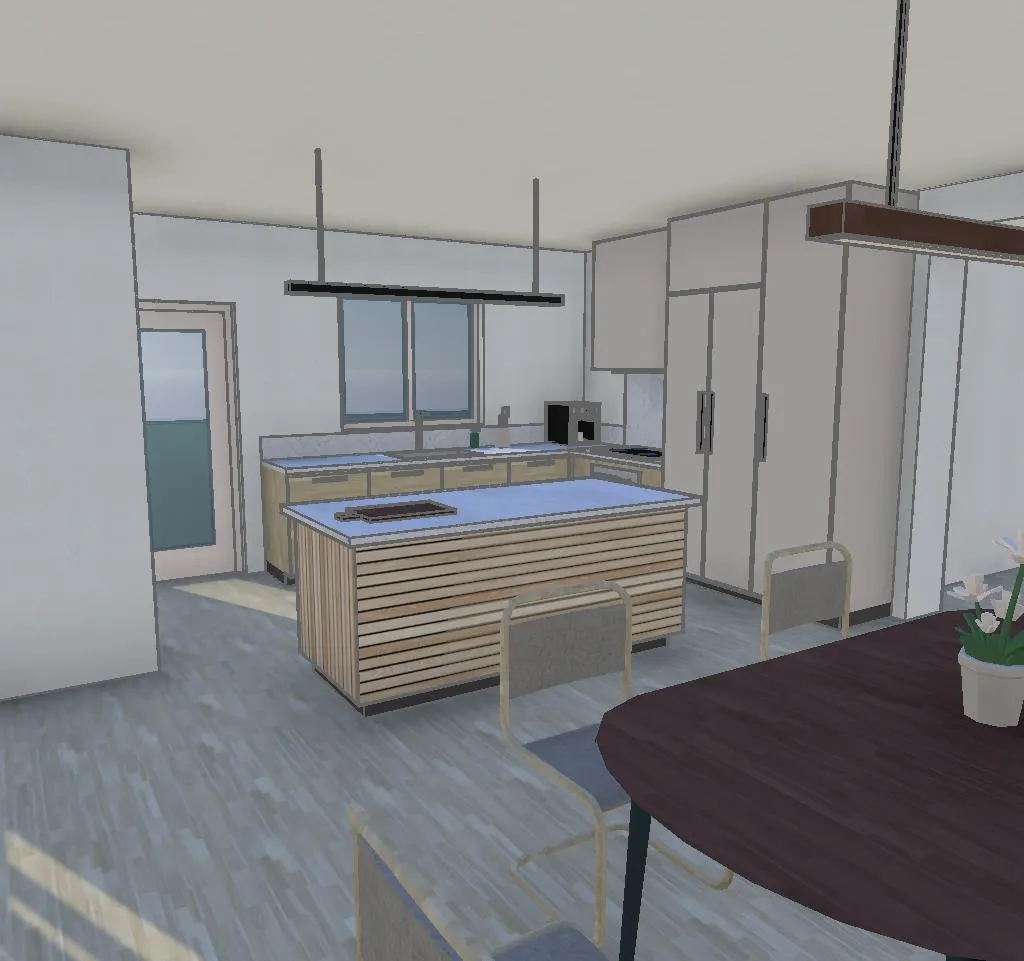 3D model
 A new kitchen
Try the layout in 3D, then see it with real materials and daylight.
-
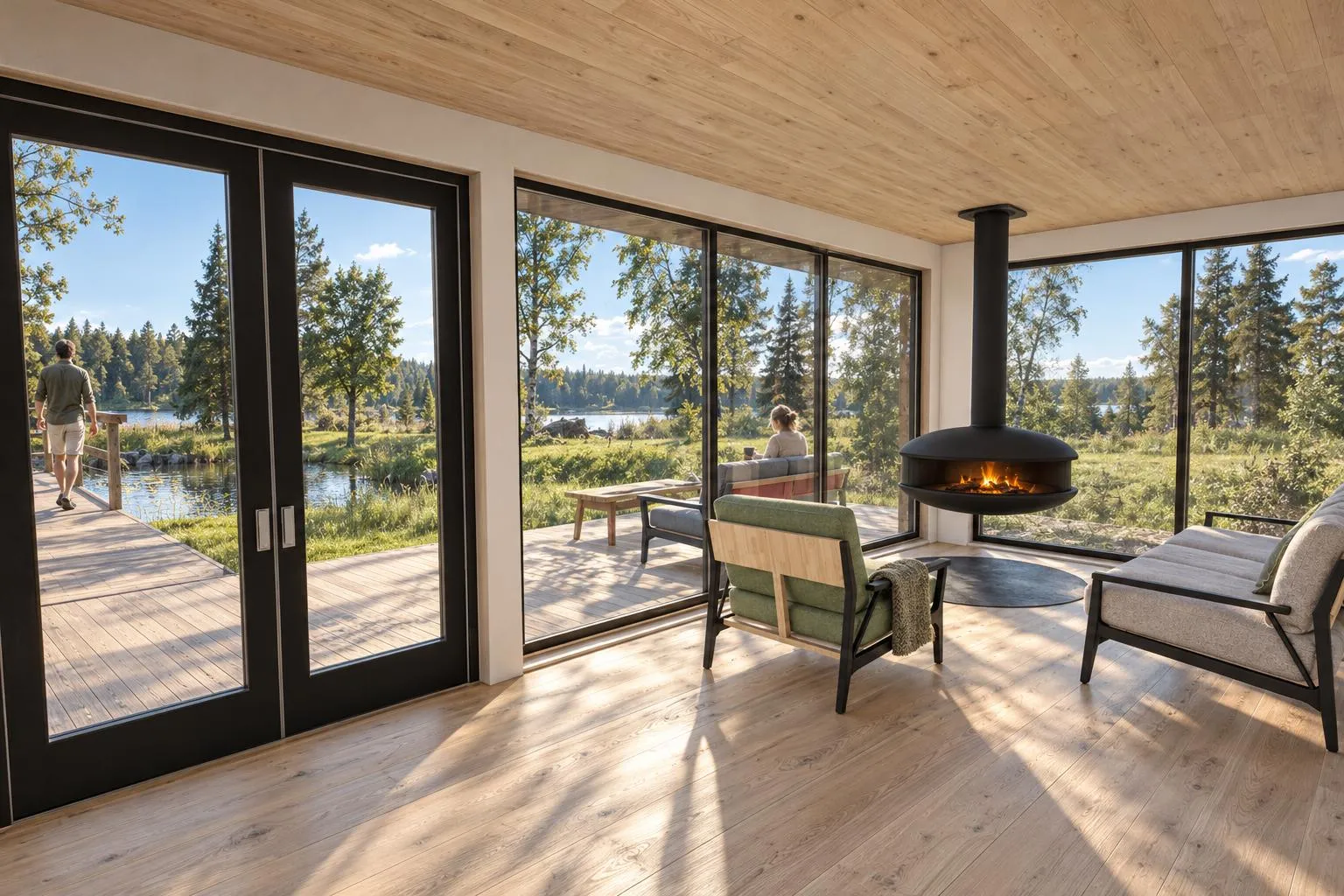 AI render
 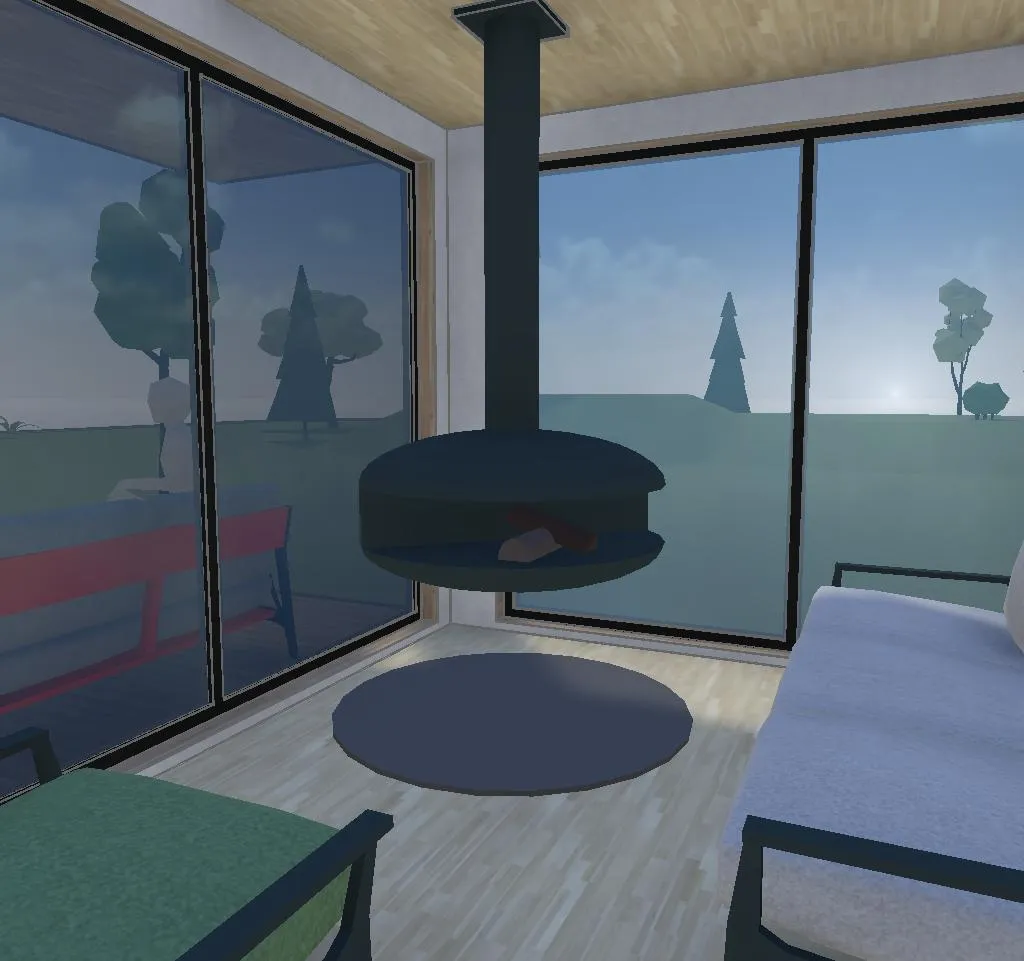 3D model
 Inside the cabin
Walk through the rooms and check the light before anything is built.
-
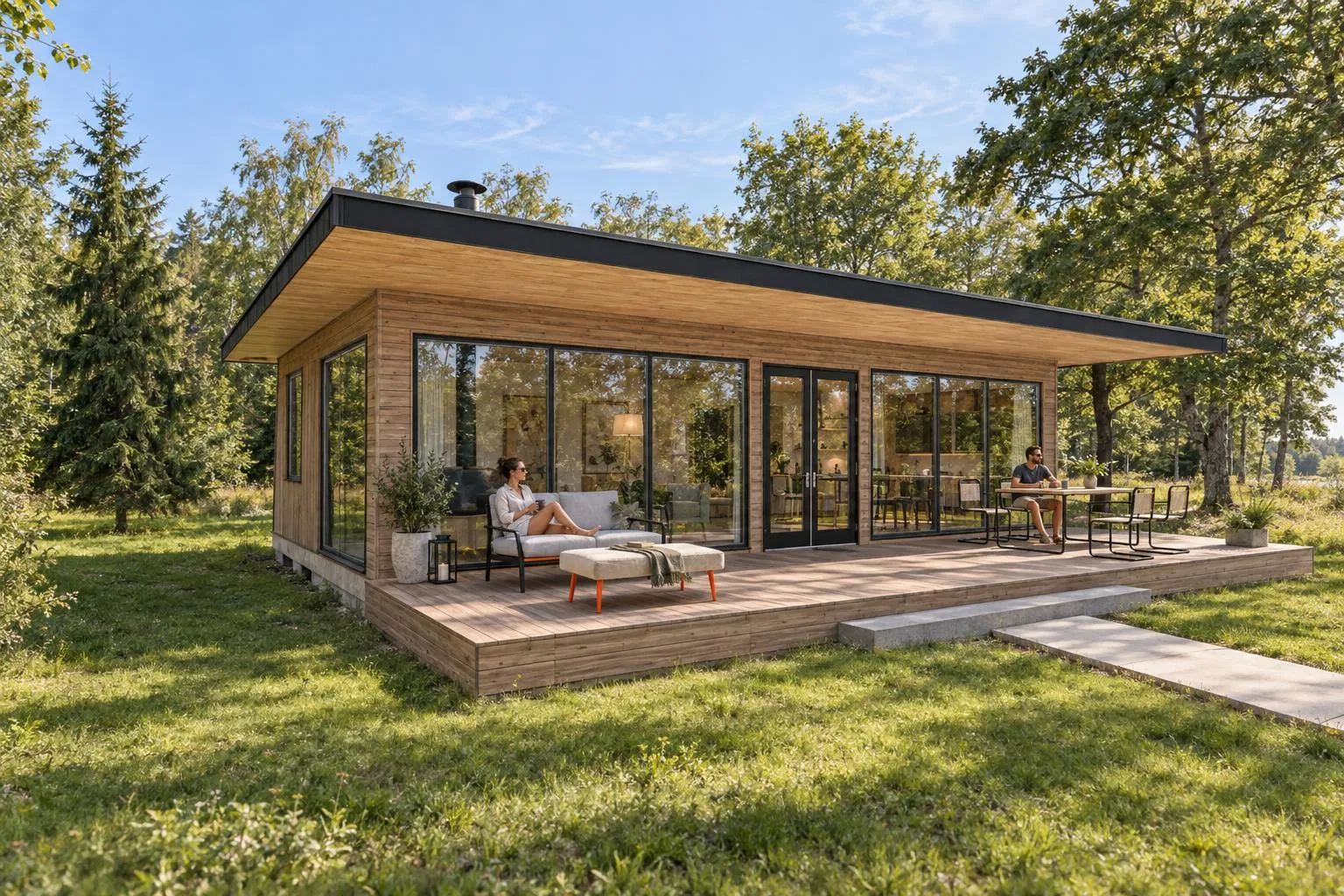 AI render
 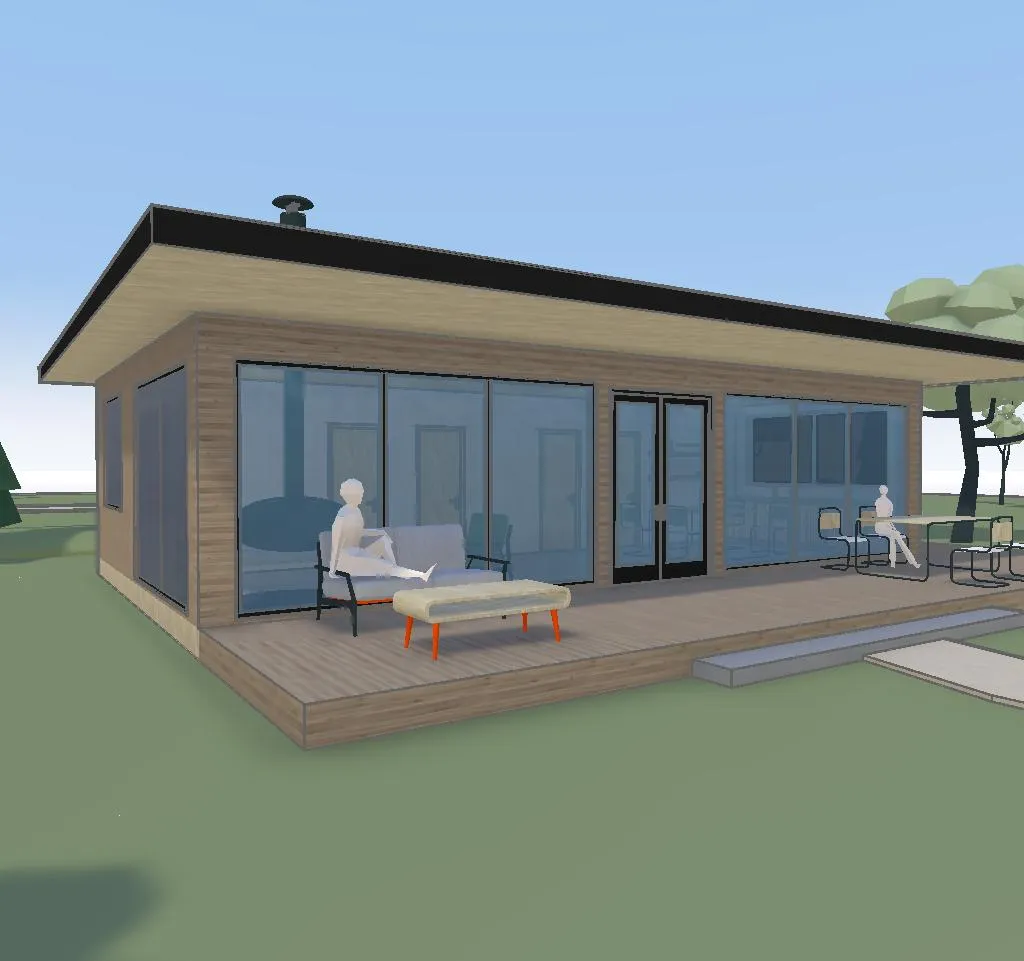 3D model
 A cabin in the garden
See how it sits in the garden, from every side.
Everyone works from the same plan.
Arkio models come with real measurements, so your partner, your architect and your builder all see exactly the same thing. Share a link, or export the model to the software your architect uses.
- Floor areas and room sizes you can rely on
- Share with a link, no account needed to look
- Export for your architect when it's time for drawings
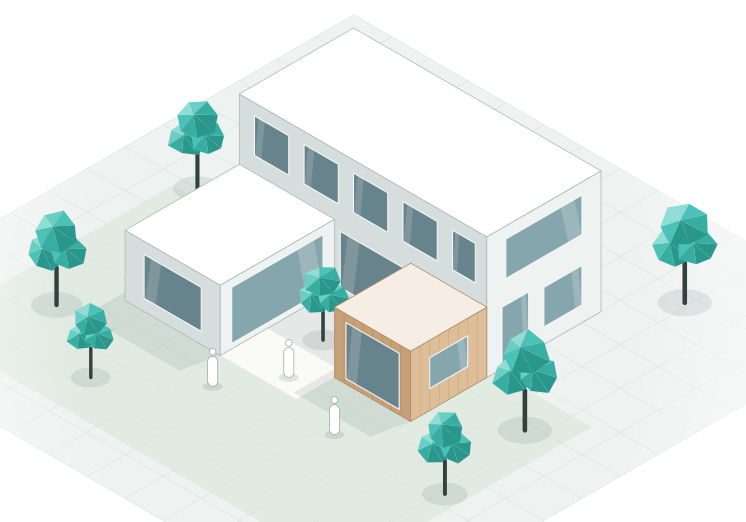
The same Arkio that design teams at KPF, Sweco, IMEG and BAM use for their projects.


Good to know.
Do I need to know any 3D software?
No. Describe what you want or upload a sketch or photo, and the agent builds the model. You can tweak things by hand if you like, but you don't have to.
What does it cost?
Designing by hand is free on Starter. The AI agent uses credits: try it with a credit pack, 1,000 credits for $12 with our launch offer, or choose Plus, made for homeowners and personal projects, with 1,500 AI credits a month from $18 a month.
Can I use it on my phone or tablet?
Yes. Arkio runs in the browser on phones, tablets and computers.
Can my builder or architect open it?
Yes. Send them a link. They can look around, leave comments or export the model for their own software.
How accurate are the measurements?
As accurate as what you start from. For the best results, begin with a floor plan or your own measurements.
What are you planning?
Describe your project in a sentence and see it in 3D.
AI credits required · Runs in your browser · No 3D skills needed