Design with an AI agent, right in your browser.
Arkio 3.0 is rebuilt around an AI design agent. Describe or sketch an idea and watch it become a real 3D model you can measure, change and walk through. See it rendered as you work, turn it into films, and bring everyone in with a link.
 AI render, made in Arkio 3.0
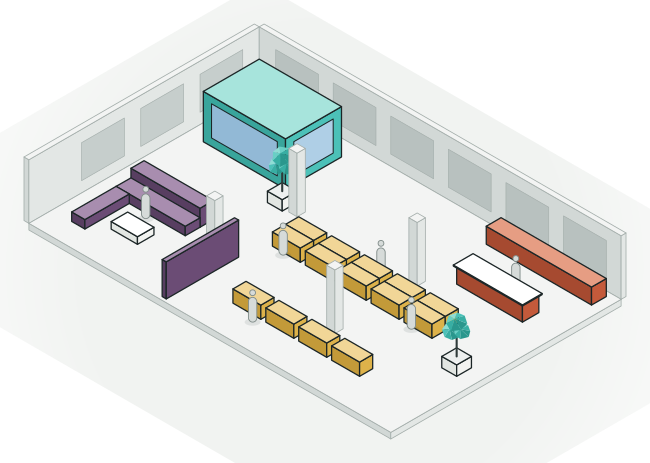
  3D model



- An AI design agent that models with you
- Live render, AI renders and AI video
- Your models from Revit, Rhino, SketchUp, Archicad and Navisworks
- Design together from one link
An agent that designs with you.
Start from a sketch, a few sentences, photos, a floor plan, a room program or an existing model, and the agent builds it in 3D while you watch. Ask for options, compare them and keep what works. Take over by hand whenever you like.
See how it will really look, while you design.
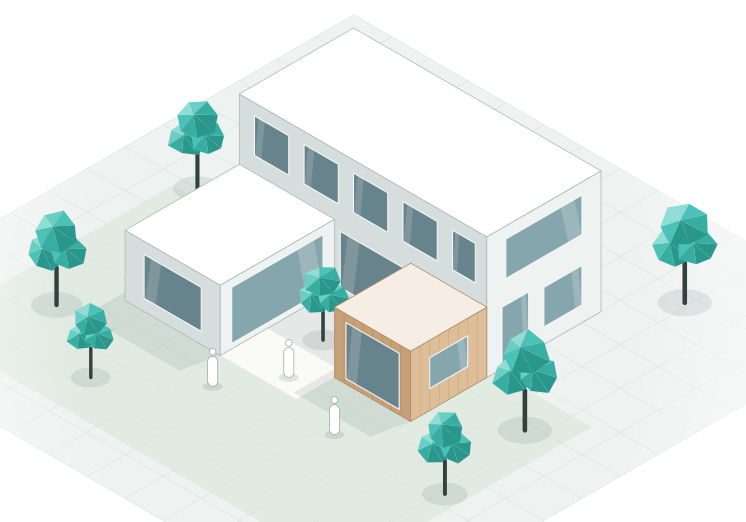
Switch on Live render and the view is rendered as you and the agent design. Make AI renders in any style, from any angle, and turn the model into walkthrough films. Every picture is made from your real 3D model, so it shows the design you actually have.

Bring in the model you already have.
Open models from Revit, Rhino, SketchUp, Archicad and Navisworks, with their layers and BIM data, and review them with the agent. Try new options on top, then export back to Revit, Rhino or SketchUp. Nothing has to be redrawn.
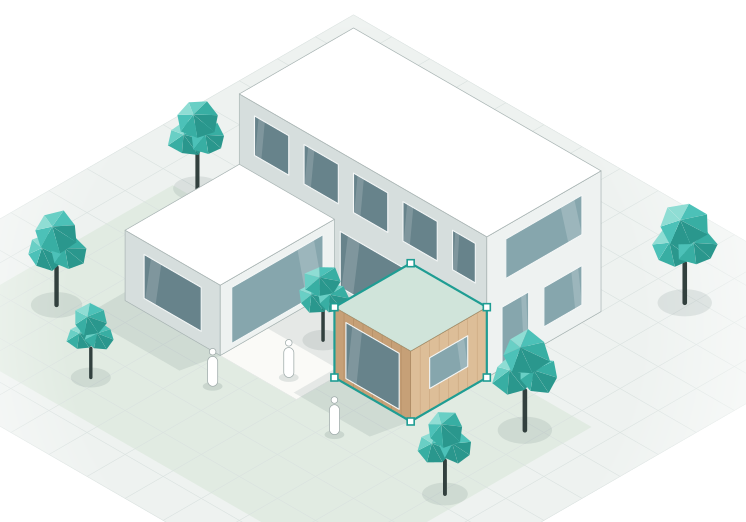
One link brings everyone in.
Share a design with a link. Clients, consultants and contractors open it in the browser, with nothing to install. Design together live, with up to 12 people on Team, or leave notes and talk in the group chat. Everyone has their own agent.
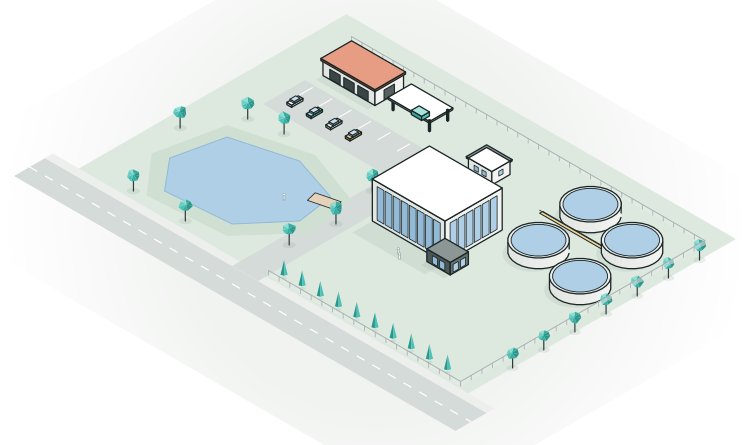
Walk through it before it's built.
Walk through your design at eye level, on a computer, an iPad or a phone, and see it in context at full scale. Every view can become a render or a film.


From a kitchen to a cement plant.
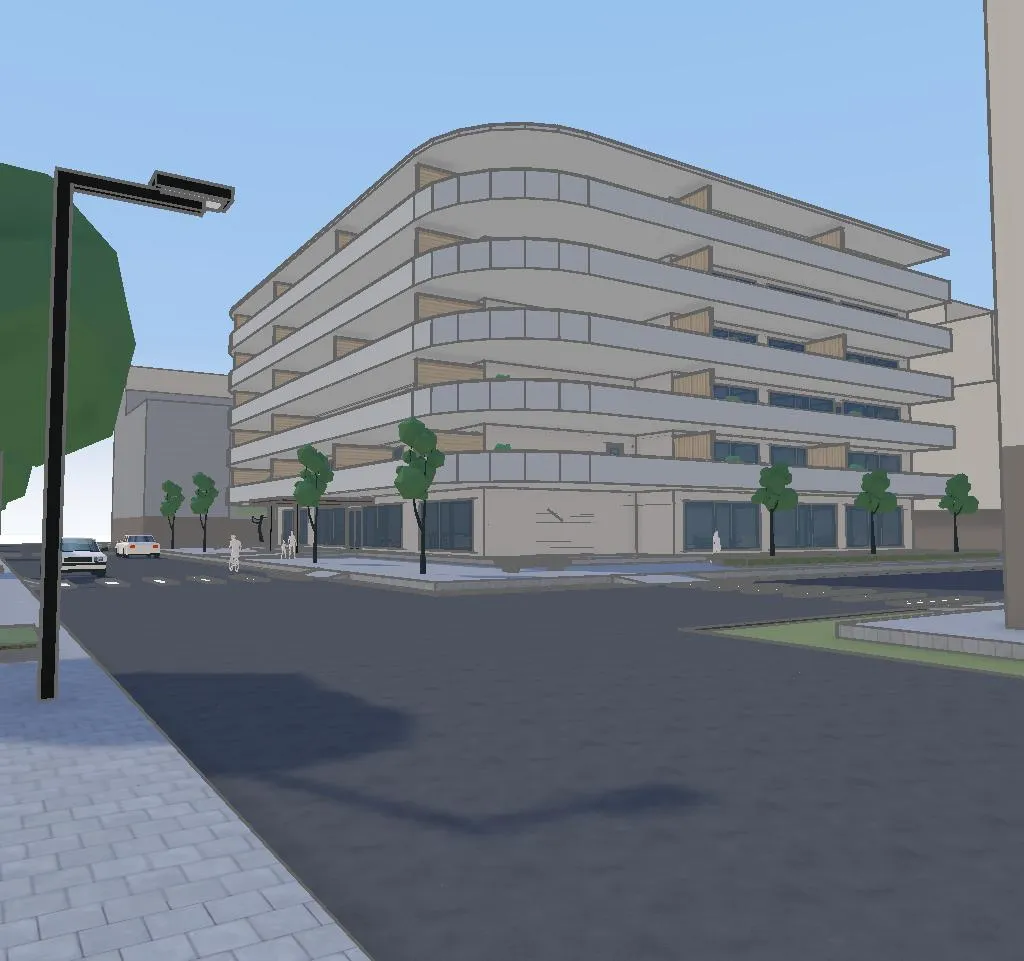
Every render here was made in Arkio 3.0 from the 3D model in its corner: the same massing, openings and materials, in a few clicks.
-
 AI render
 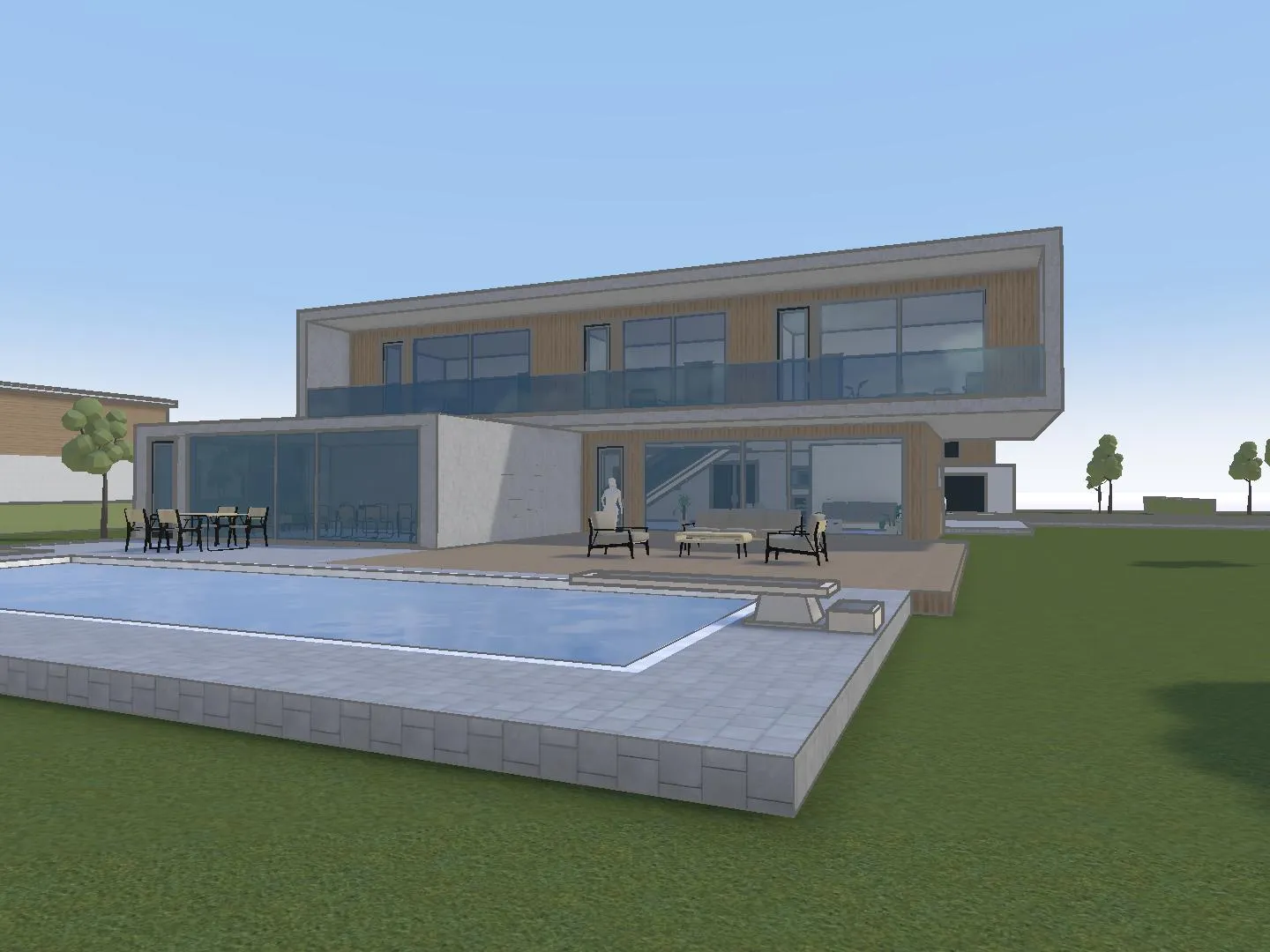 3D model
 A villa with a pool
Photoreal, in the light you choose.
-
 AI render
 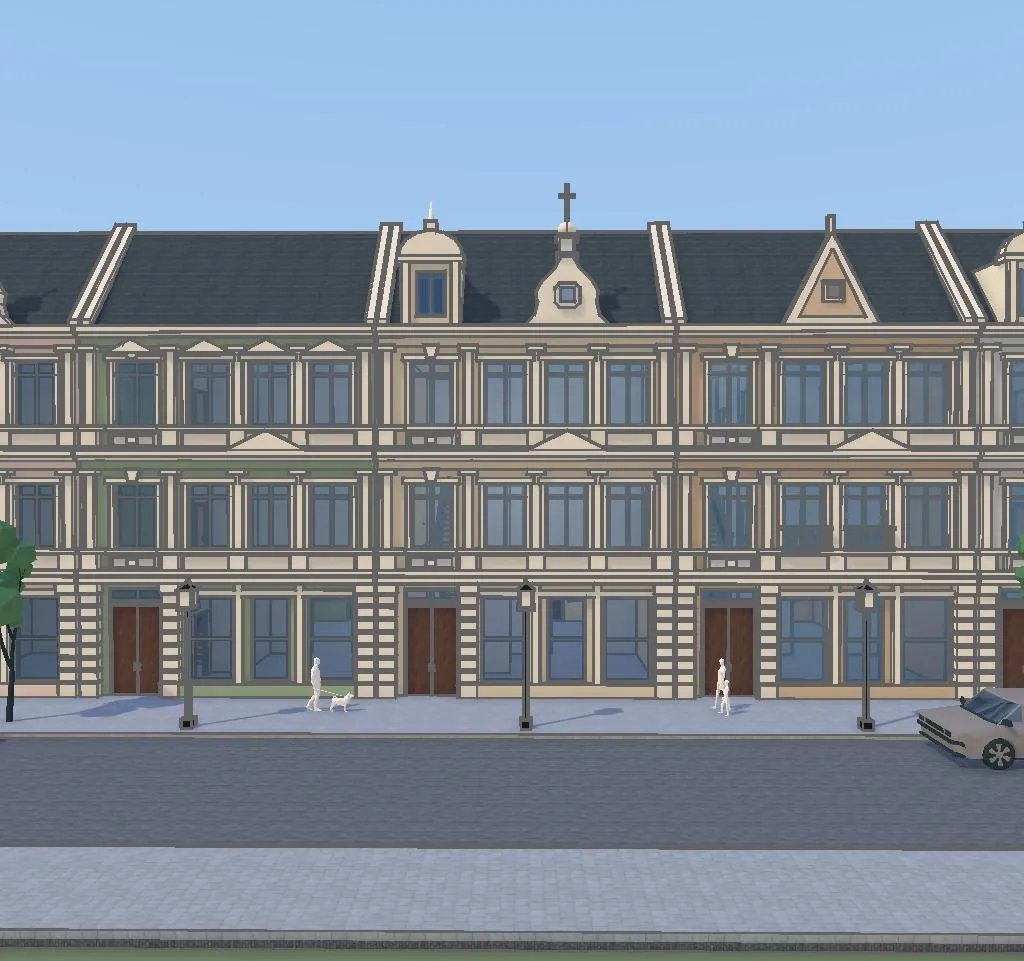 3D model
 Town houses
Façade studies along a whole street.
-
 AI render
  3D model
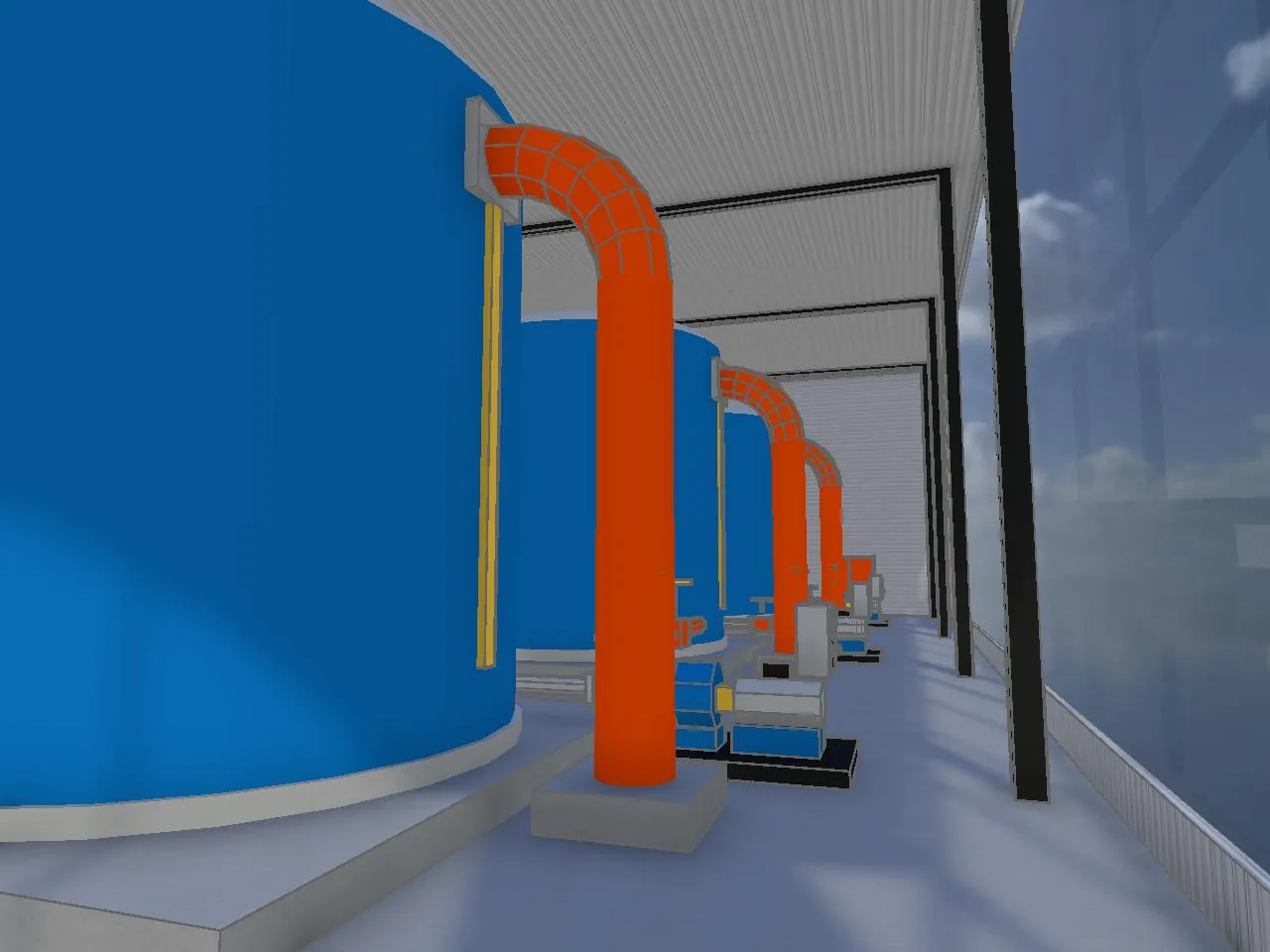
 An industrial plant
Complex plants, with every tower and pipe in place.
-
 AI render
  3D model
 Inside the plant
Step inside and render the view at eye level.
-
 AI render
  3D model
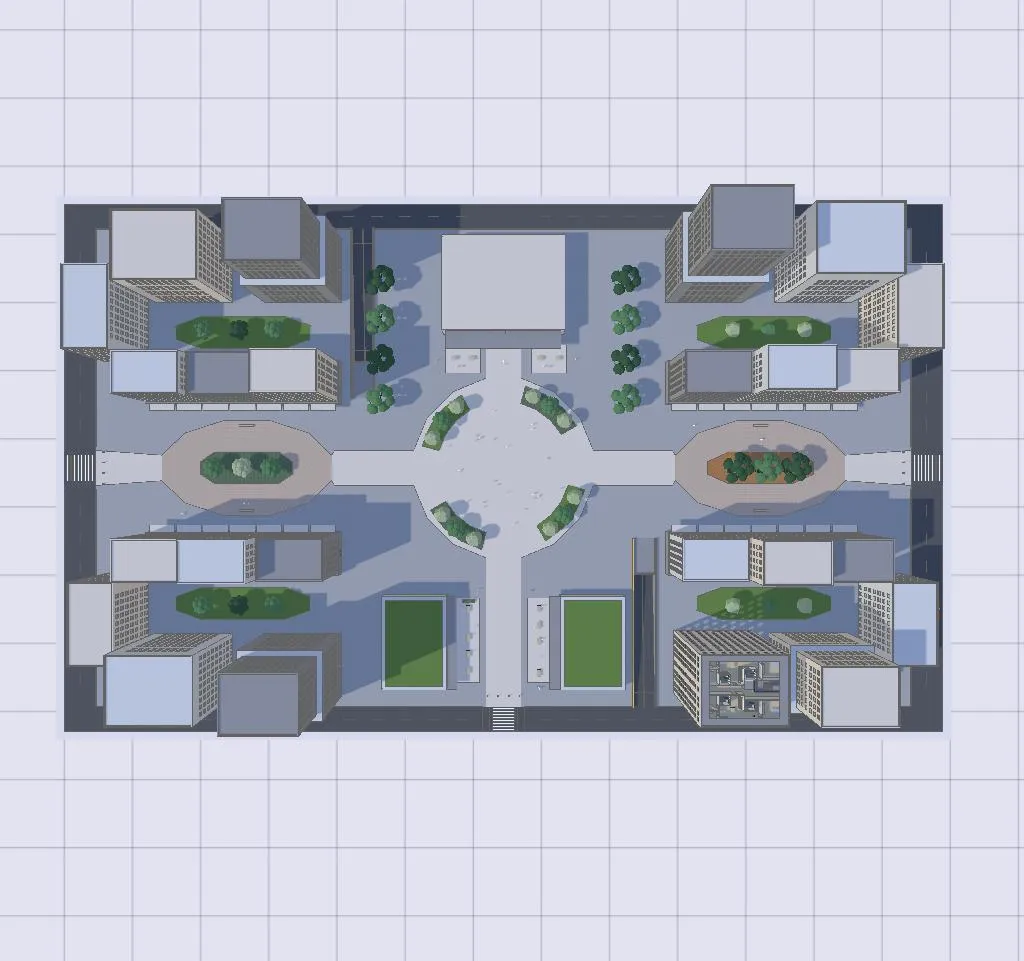
 A city block from above
Plans, roofs and public space at a glance.
-
 AI render
  3D model
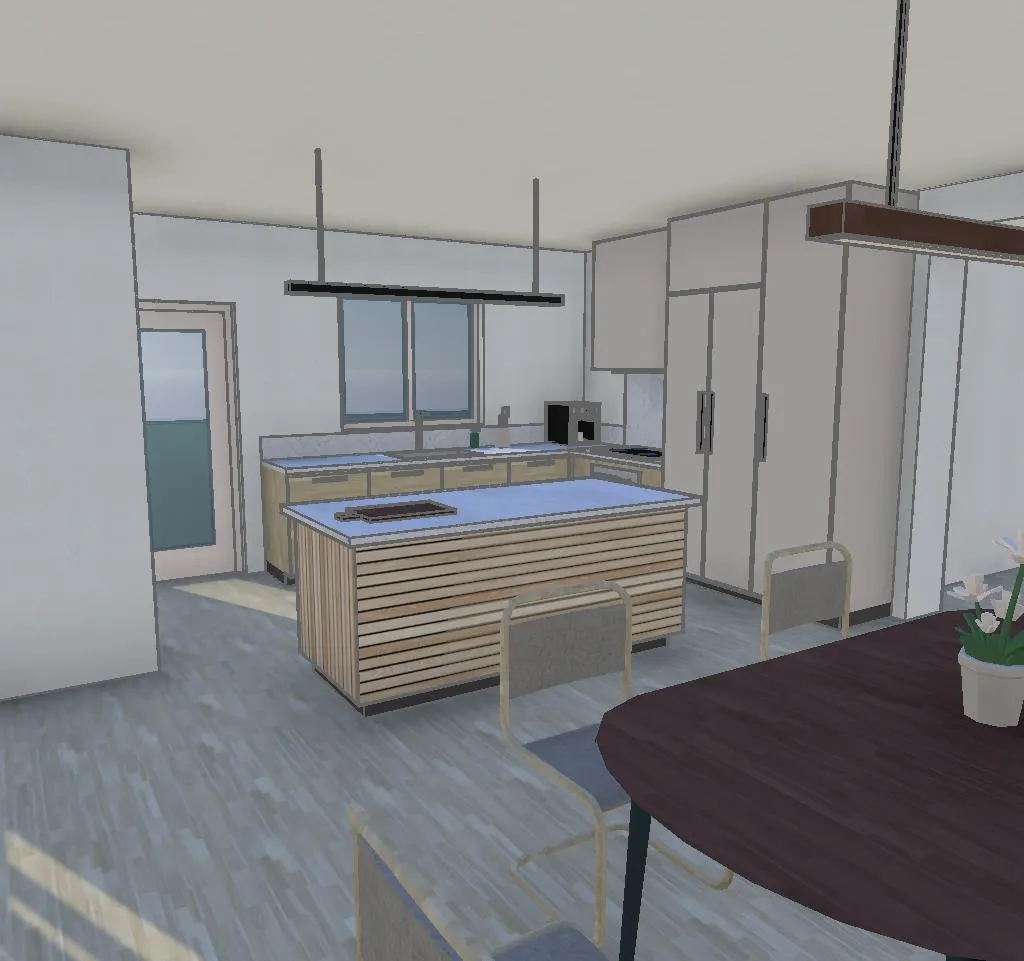
 A kitchen renovation
Try the finishes before anything is ordered.
Everything else that's new.
Full Boolean modeling
Add, subtract and intersect shapes to sculpt anything, by hand or with the agent.
Sections and sun studies
Cut through the model and check sun and shadow through the day and the year.
Undo anything
Nothing is baked in. Every change can be undone, even after more work is built on it.
Choose your AI model
Pick the AI model and how hard it thinks, for speed or for depth.
Live voice mode
Talk with the agent out loud while you design, and ask it to make changes as you go.
Connect your own agents
Soon on Pro and Team: let agents like Codex model in Arkio through MCP, an open standard.
Hand off when you're ready for detail.
So anyone can open Arkio with a link.
Until now, getting the most out of Arkio meant a headset or an app. With 3.0 the whole experience starts in your browser, on the laptop, tablet or phone you already have. That makes it easier to try, easier to share and easier to bring everyone into the design.
XR is still at the heart of Arkio. 3.0 already runs on iPad in the browser, a native iPad app comes next, and a re-imagined VR version with the agent at its core is coming soon.
Web first. Then everywhere.
- Available now
Web
Since October 18, 2026: the full 3.0 experience with the design agent, Boolean modeling, Live render and AI video, in any browser, iPad included.
- Coming next
iPad app
3.0 already runs on iPad in the browser. A native iPad app comes next, for sketching with a pencil and reviewing on the go.
- Coming soon
VR
A re-imagined VR version of Arkio 3.0, with the agent at its core.
Good to know.
When was Arkio 3.0 released?
Arkio 3.0 was released on October 18, 2026. It runs in the web browser at app.arkio.is, on a computer, an iPad or a phone.
What's the biggest change in Arkio 3.0?
An AI design agent. Describe what you want, sketch it or upload a photo, a floor plan, a room program or a model, and the agent builds a real 3D model you can measure, change, share and walk through. Live render, AI renders and AI video then show it as it will look.
Do I need to install anything?
No. Arkio 3.0 runs in the browser. Open app.arkio.is, sign in and start designing. People you share with open a link and need nothing installed either.
What does it cost to try?
Starter is free for designing by hand. The AI uses credits: buy a credit pack with no subscription, or choose a plan with credits every month. Our launch discount gives you 1,000 AI credits for $12 instead of $20, one per account.
Can I bring in my Revit, Rhino or SketchUp model?
Yes. Every plan imports images and 3D files like GLB and OBJ. Pro and Team add models from Revit, Rhino, SketchUp, Archicad and Navisworks, with their layers and BIM data, and you can export back to Revit, Rhino and SketchUp when you are ready for detail.
I use Arkio today. What happens to my account?
All existing Arkio users will be moved to Arkio 3.0 at no additional cost. The Arkio 2.3 apps for VR, PC, Mac, iOS and Android stay free to use while we move. Questions? Email support@arkio.is.
When does Arkio 3.0 come to iPad and VR?
Arkio 3.0 already works on iPad in the browser. A native iPad app comes next, followed by a re-imagined VR version. We will share dates as they firm up.
Try Arkio 3.0 now.
It runs in your browser. Describe your first idea below.
AI credits required · Runs in your browser · No 3D skills needed