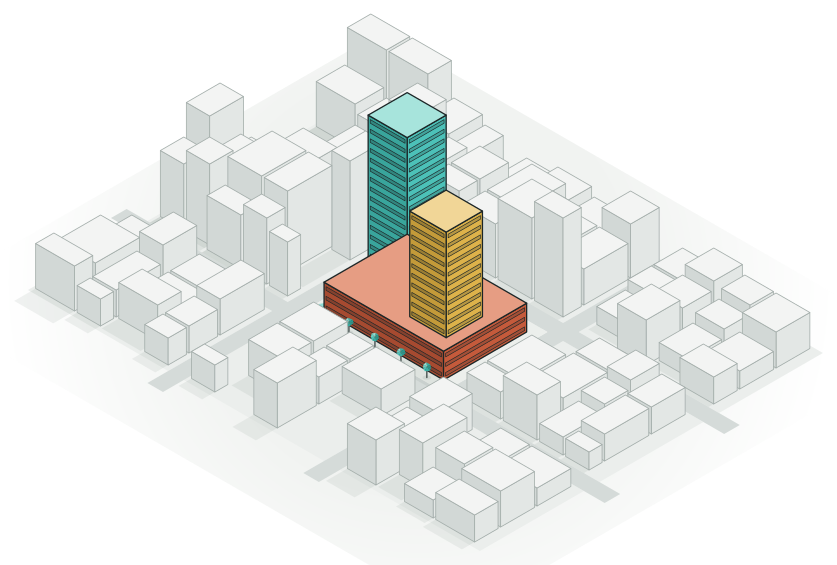
Find out what fits before anyone commits.
Paste a brief, a room program or the site limits, and the agent builds massing options in context. Compare the floor areas, walk through each option and pick a direction in an afternoon, not a month.
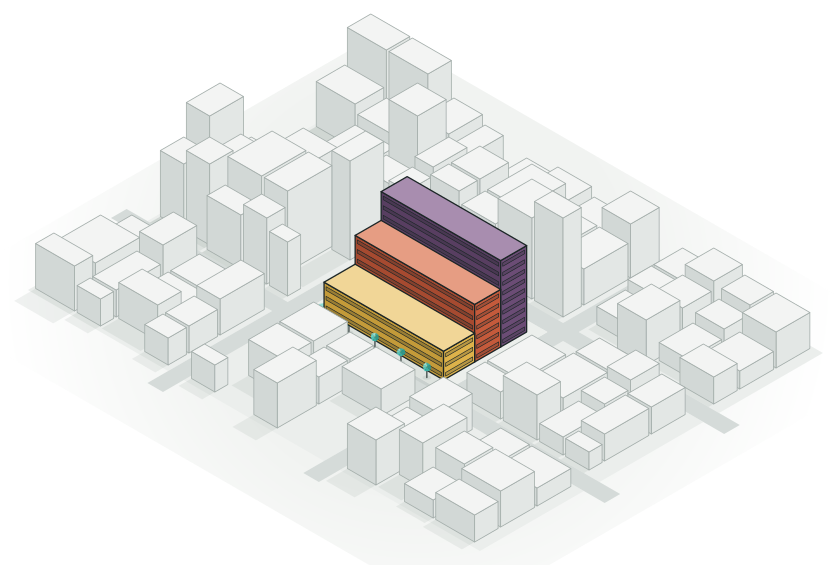
The big questions, answered early.
Feasibility is where a project is cheapest to change. Arkio makes it quick to ask what if, and to see the answer in 3D.
Site capacity
How much fits on the site, at what height, and what it means for the neighbours.
A room program
Paste a list of rooms and sizes, and get it stacked into floors and wings.
Massing in context
Bring in the surrounding city and see the new building among its neighbours.
Sun and shadow
Check sun and shadows through the day and the year with sun studies.
Options side by side
Ask for alternatives, compare their areas and combine the best parts.
An early look and feel
Switch on Live render to try materials and light, even at this stage.
From massing to street level
-
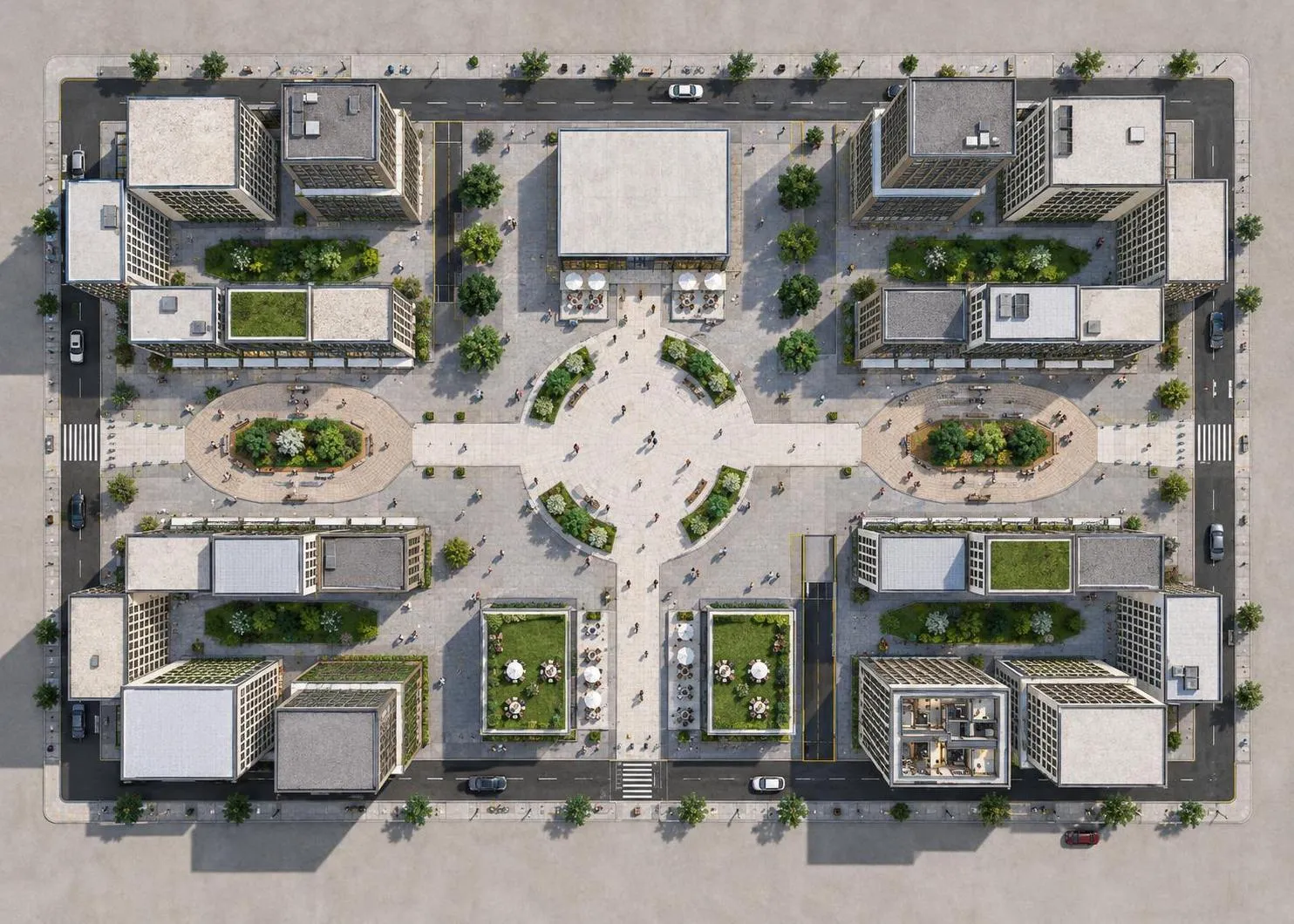 AI render
 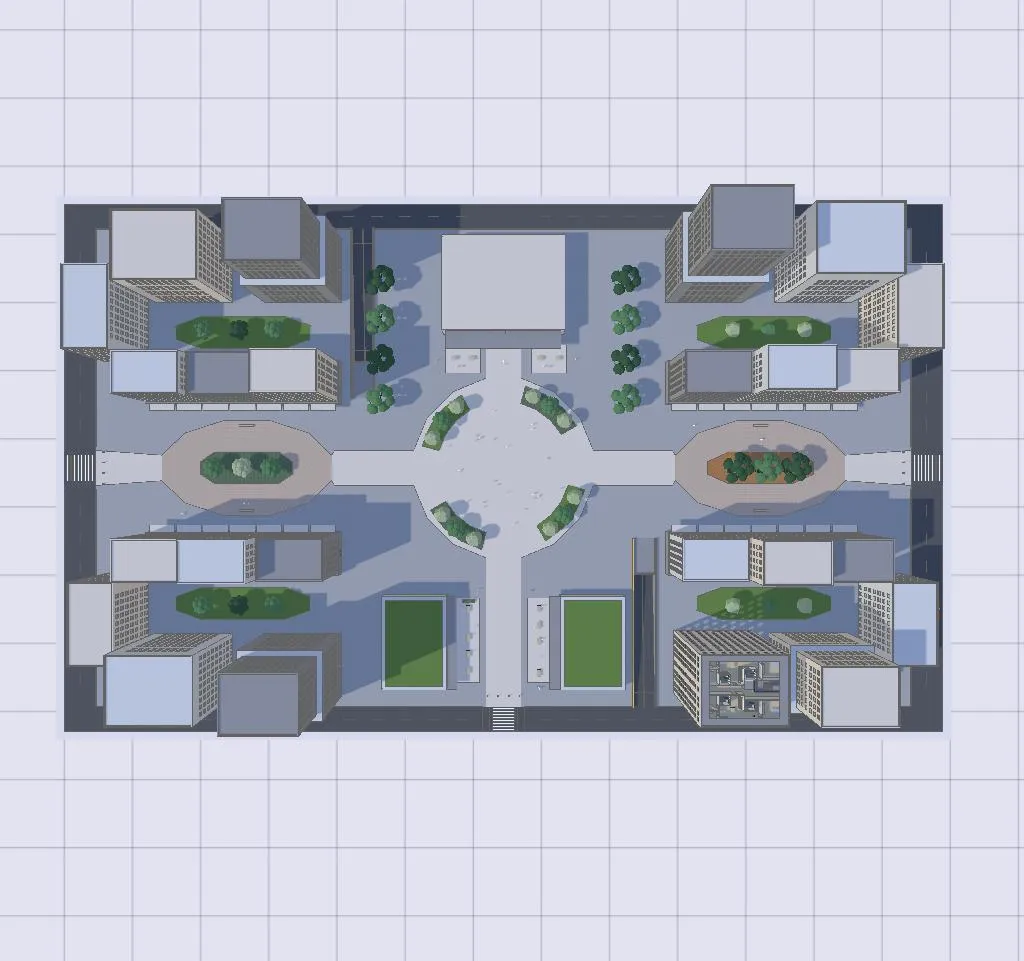 3D model
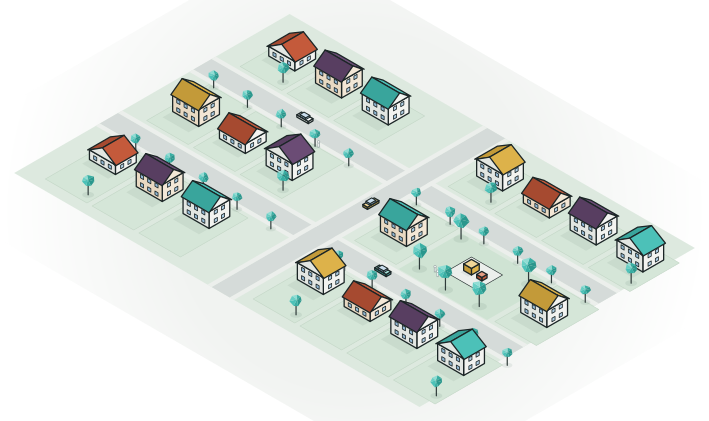
 The plan
Blocks, courtyards and streets, seen from above.
-
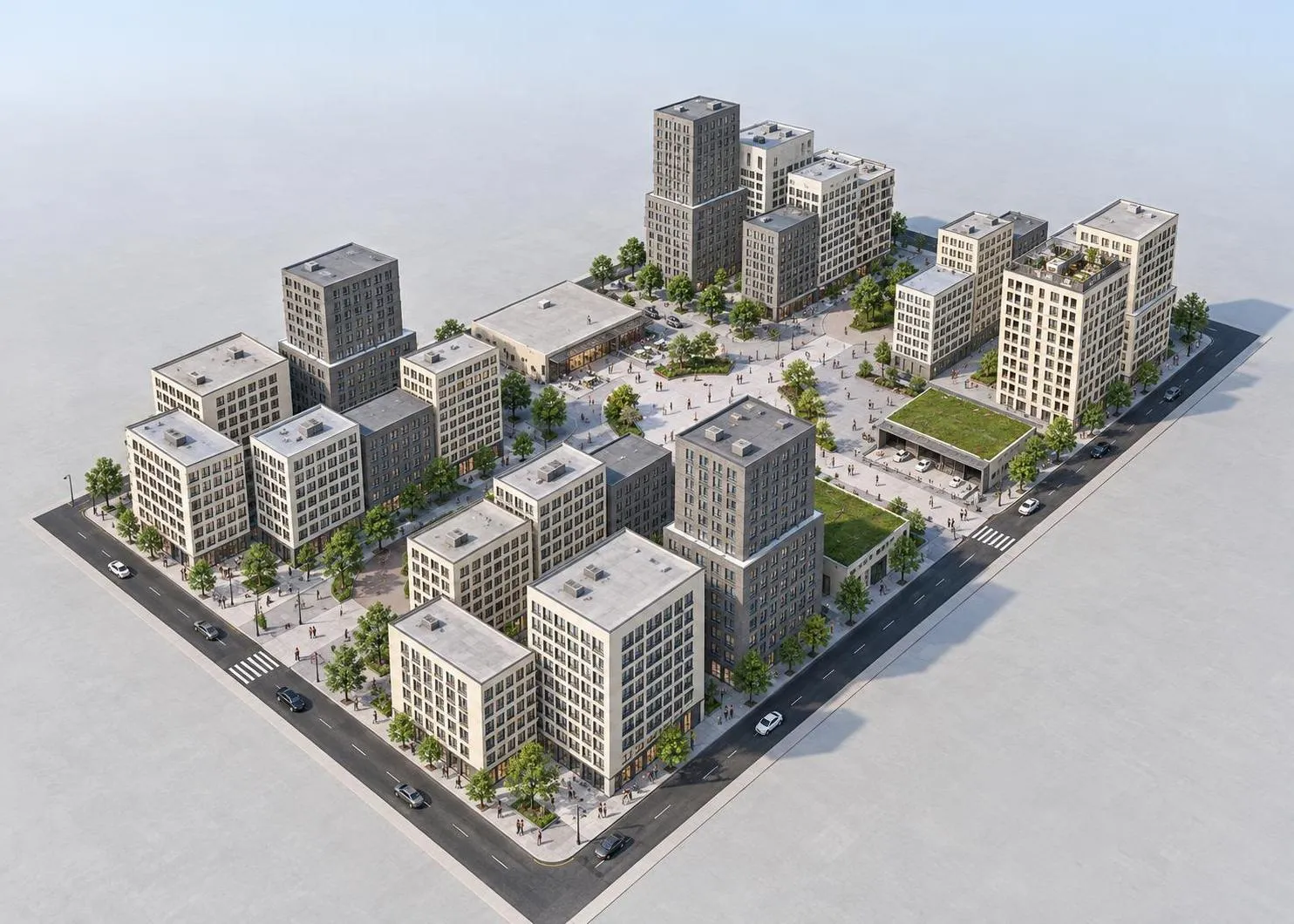 AI render
 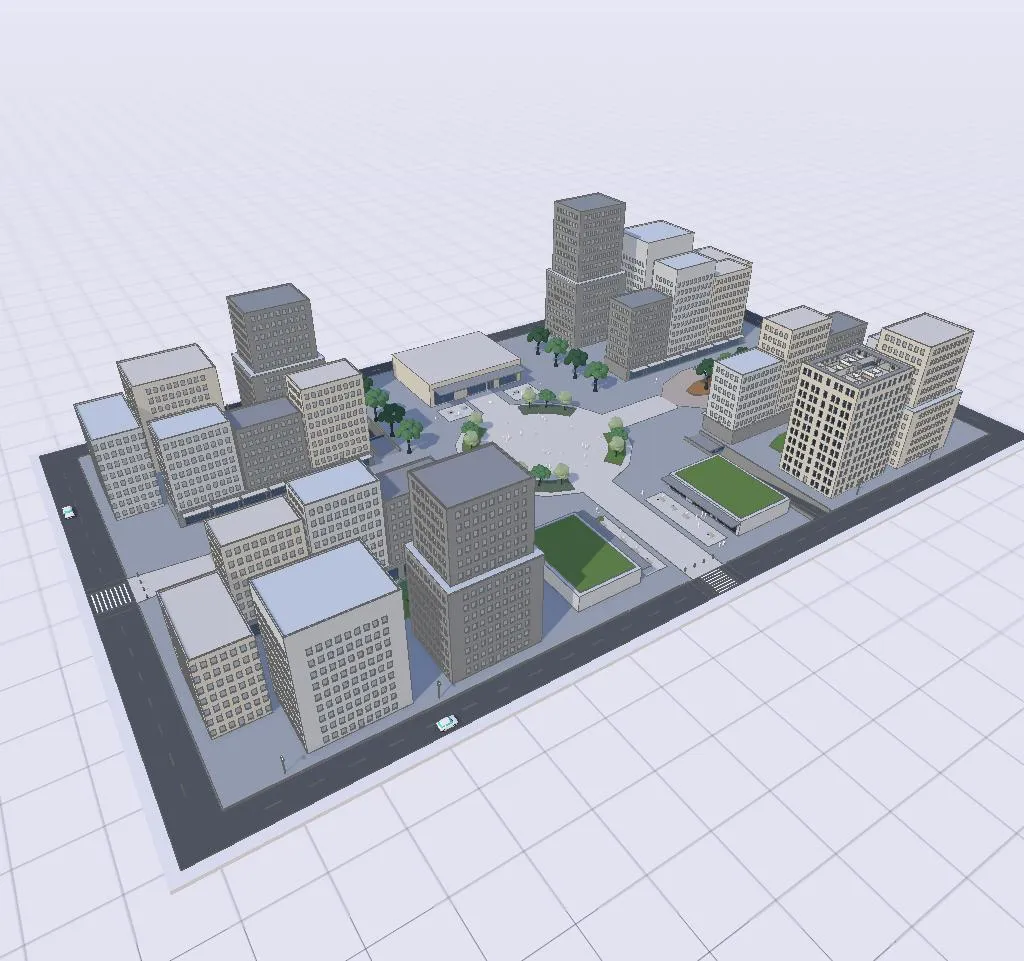 3D model
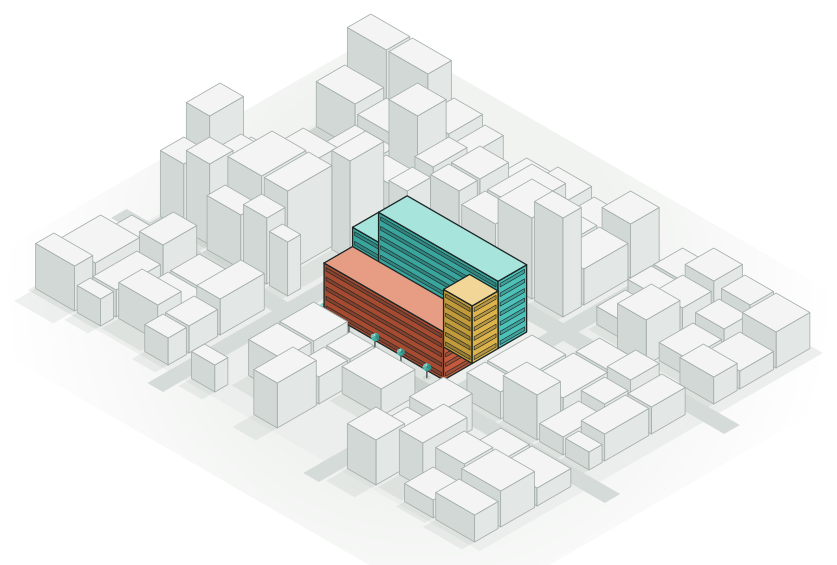
 The massing
Heights and volumes among the neighbours.
-
 AI render
 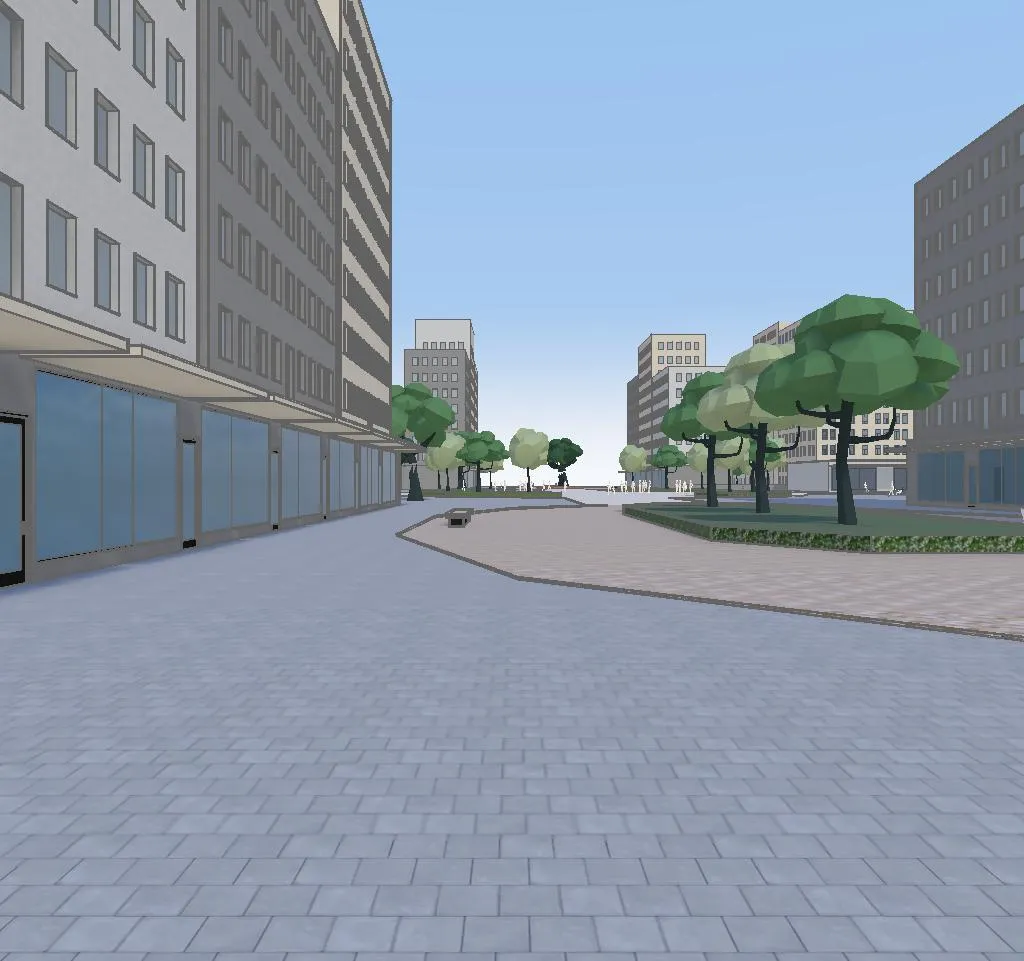 3D model
 The street
Walk down the street and see how it feels.
Start from what you have.
A sketch on paper, a sentence, a photo of the site, an old floor plan, a room program or a model from Revit. The agent reads it and models the first options in 3D while you watch.
Numbers you can trust.
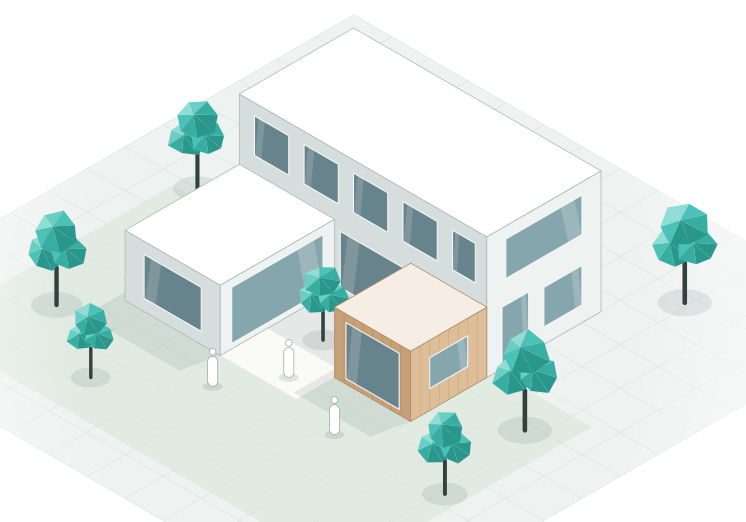
Every option is a real 3D model, so floor areas, heights and storeys are measured, not guessed. They update as you and the agent change the design, and they stay the same in every render.
Get a yes before the drawings.
Send the options to the client, the owner or the planning team as a link. They walk through them in the browser, leave notes where they have questions, and pick a direction with you.
Hand it off. Nothing to redraw.
Arkio is where designs start. When you're ready for detailed design and documentation, take a clean 3D model into the tools your team already uses.
Designers on Arkio.
Arkio allows our team to design and test their ideas in 3D space in a digital mock-up, as if it's already constructed on site.
 Jason FungFounder and Principal, Jason Fung Architect
Arkio helps us get to better results faster.
 Aaron NordstromProject Architect, American Structurepoint
Arkio feels playful and simple, but it enables serious immersive collaboration. Whether with clients, communities, or our own teams around the world, it helps us make better design decisions together.
 Anna MytculVisualization Specialist, KPF London
Good to know.
How accurate are the floor areas?
They're measured from the 3D model, so they're as accurate as what you start from. Begin with a site plan or real dimensions for the best results, and the numbers update as you and the agent change the design.
Can I give the agent constraints?
Yes. Tell it the site limits, a maximum height, setbacks or a target floor area, in your own words, and it designs to them. Always check the result against the local rules yourself.
Can I design in the real context?
Yes. Bring in a model of the site and its surroundings, from Revit, Rhino, SketchUp, Archicad or Navisworks on Pro and Team, or as GLB or OBJ on any plan, and design right inside it.
Do I need to know 3D modeling?
No. Describe what you want, or start from a sketch, a plan or a program, and the agent does the modeling. You can always adjust things by hand with simple tools.
What do I hand over when the concept is agreed?
A clean 3D model. Export it to Revit, Rhino or SketchUp, or as OBJ or GLB, and carry on with detailed design. Nothing has to be redrawn.
Test your next brief.
Describe the site and what should go on it. See the options in 3D.
AI credits required · Runs in your browser · No 3D skills needed