Agree on the design before anything is built.
Bring the owner, the architect, the engineers, the contractor and the people who'll use the building into the same 3D model. Decide together early, while a change costs a conversation instead of a change order.
The cheapest change is the one you make before construction.
Every decision costs more as a project moves on. When everyone can see the design and walk through it early, the questions come up in the model instead of on site.
Save time
Settle questions in one session inside the model, instead of weeks of drawings, emails and markups.
Save money
Catch missing space, clashes and wrong assumptions while they're a click to fix, not a change order on site.
Waste less
Fewer redesigns and less rework mean fewer materials thrown away and fewer wasted trips to site.
Everyone who shapes the project, in one model.
Nobody needs 3D skills. If you can open a link, you can walk through the design, leave a note or ask the agent to try something.
Owners & developers
See what you're paying for, compare options and sign off with confidence.
Architects & designers
Bring everyone inside the design and get decisions instead of comments on drawings.
Engineers
Bring in your models, check the space for structure and services, and flag questions where they are.
Contractors
Raise buildability and site logistics before the price is set and the site opens.
Municipalities & planners
Show committees and neighbours what's planned, in its real context, at full scale.
The people who will use it
Let future residents, staff and visitors walk through it and say what matters to them.
One link, and everyone's inside.
Share the scene with a link. People open it in their browser on a laptop, tablet or phone, with nothing to install, and walk through it together or in their own time.
Ask for a change in plain words.
Anyone in the scene can ask their own Arkio agent to try something: move the entrance, add a floor, widen the road. Everyone sees the change as it happens, and nothing is final until you agree.
From a kitchen to a stadium.
The agent models homes, offices, schools, venues, infrastructure and industrial sites, and FlexCell, Arkio's own engine, keeps even large scenes fast.
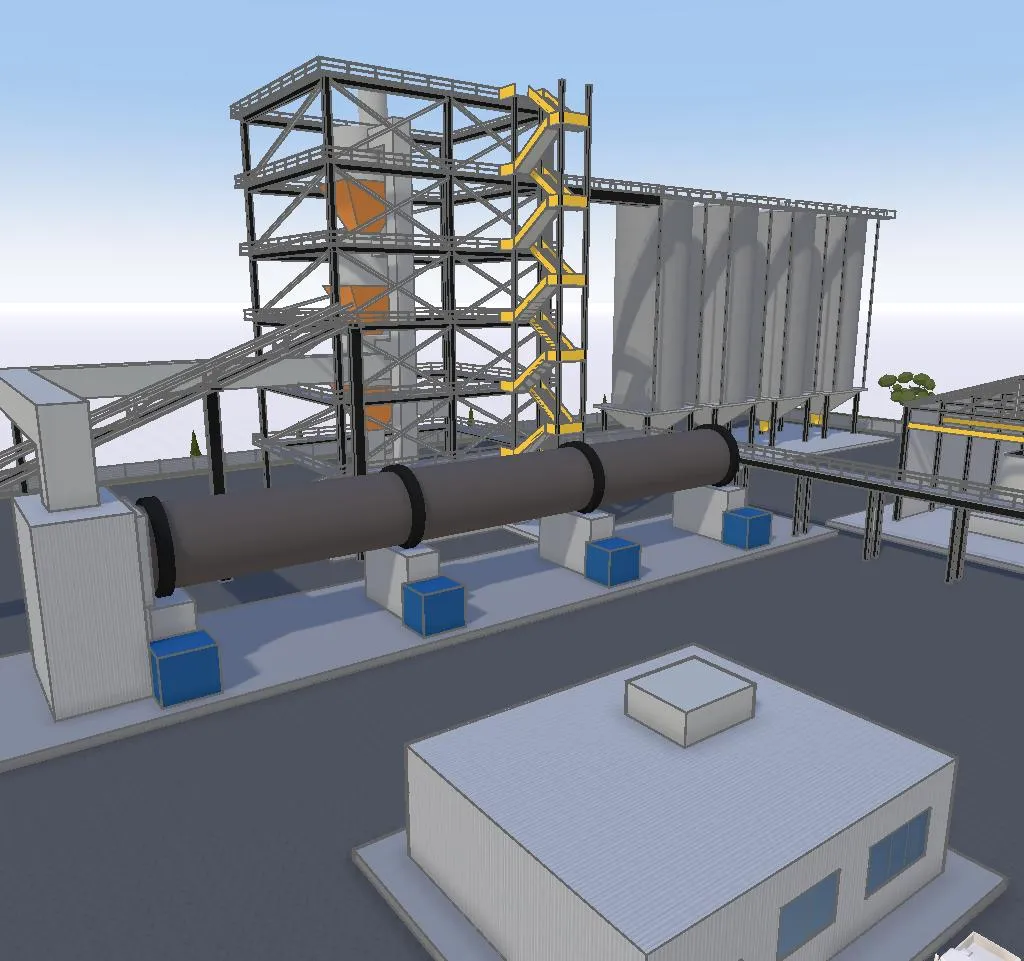 3D model
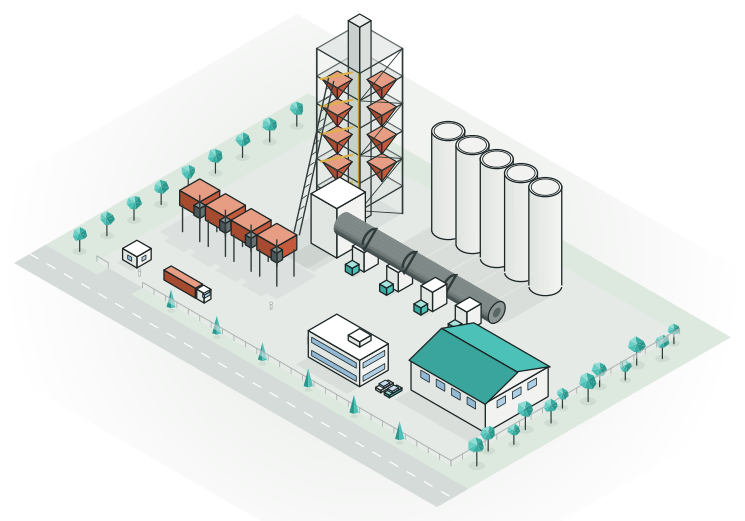
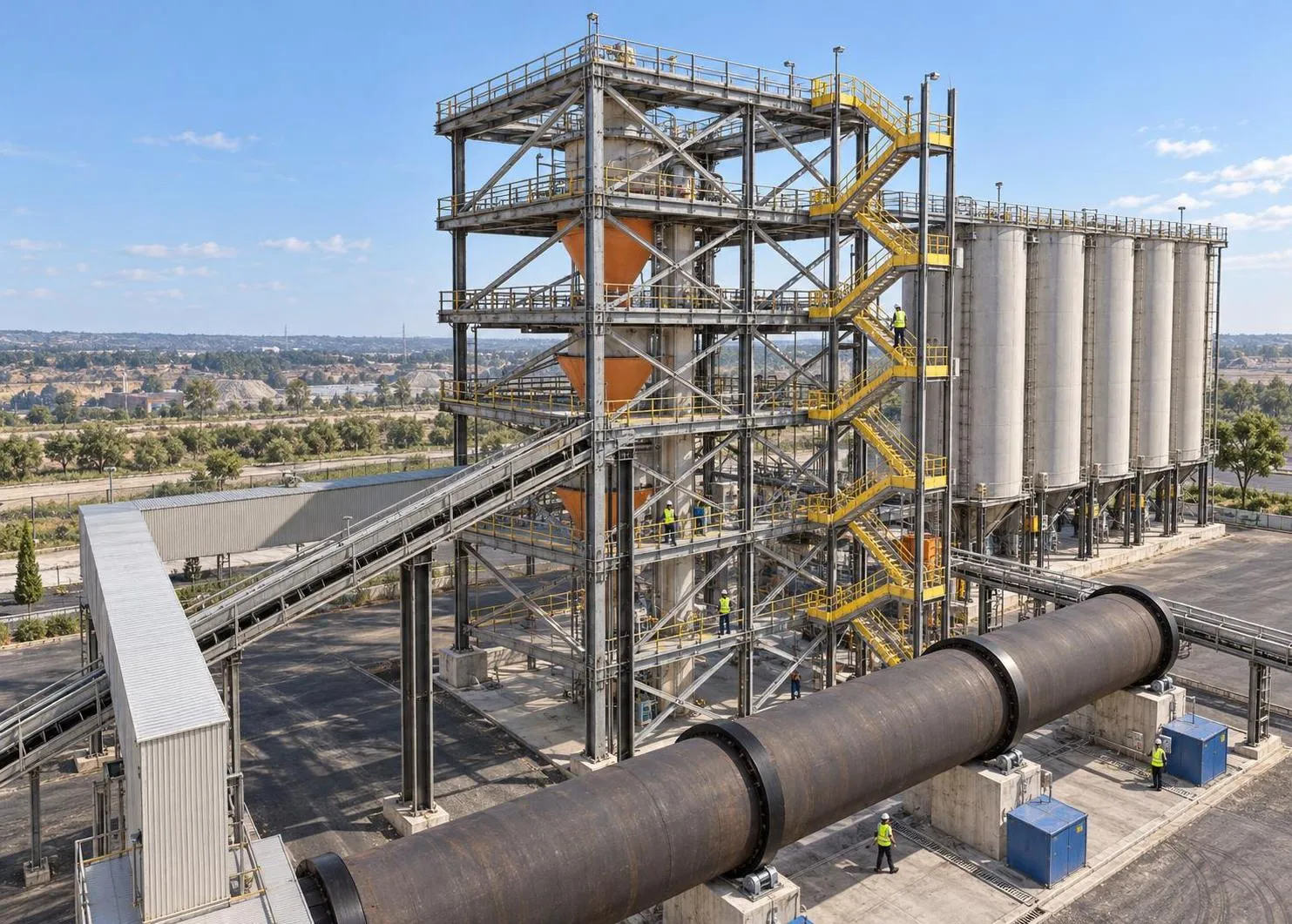
 Industrial plants
Towers, silos, conveyors and the yard around them.
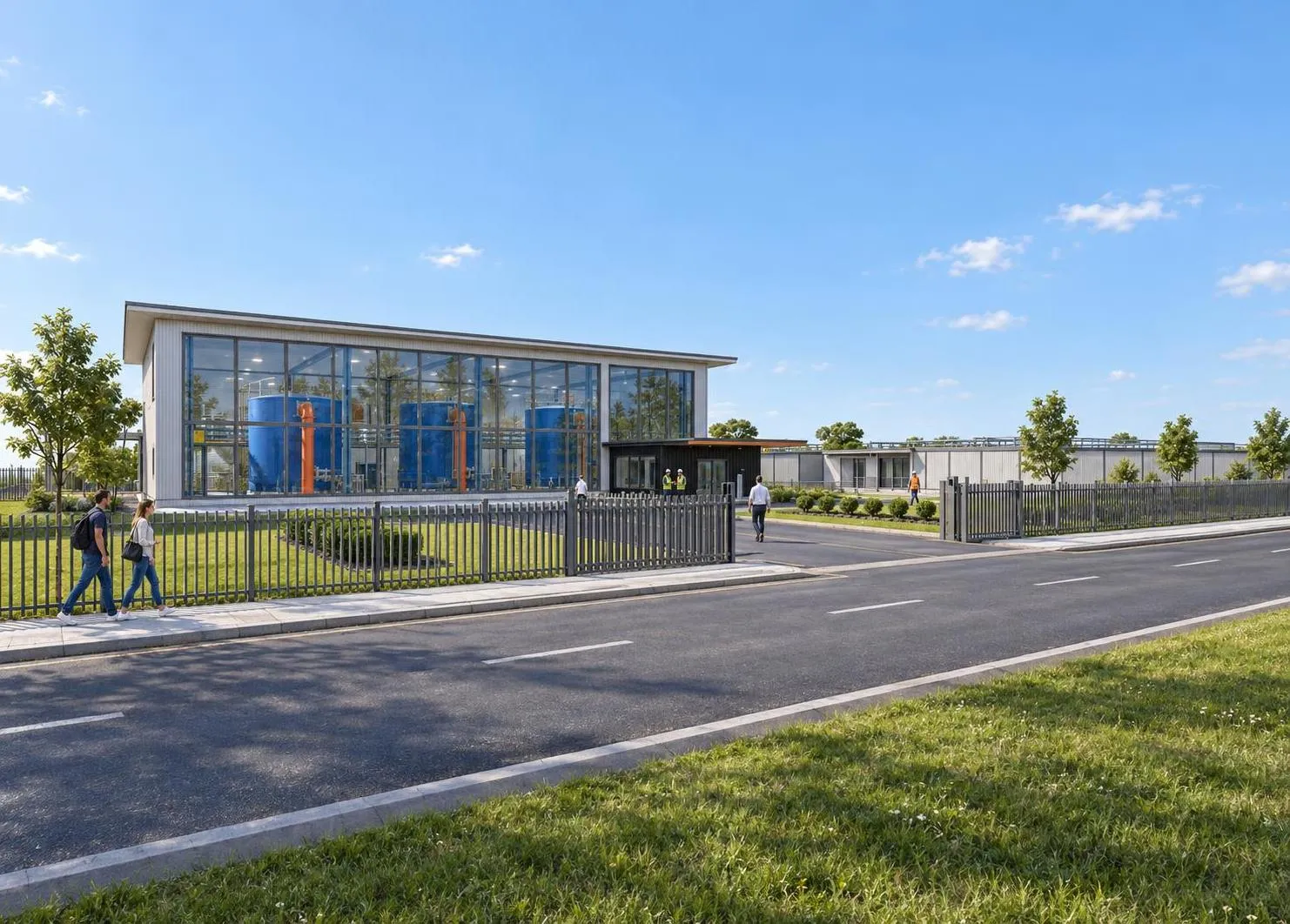
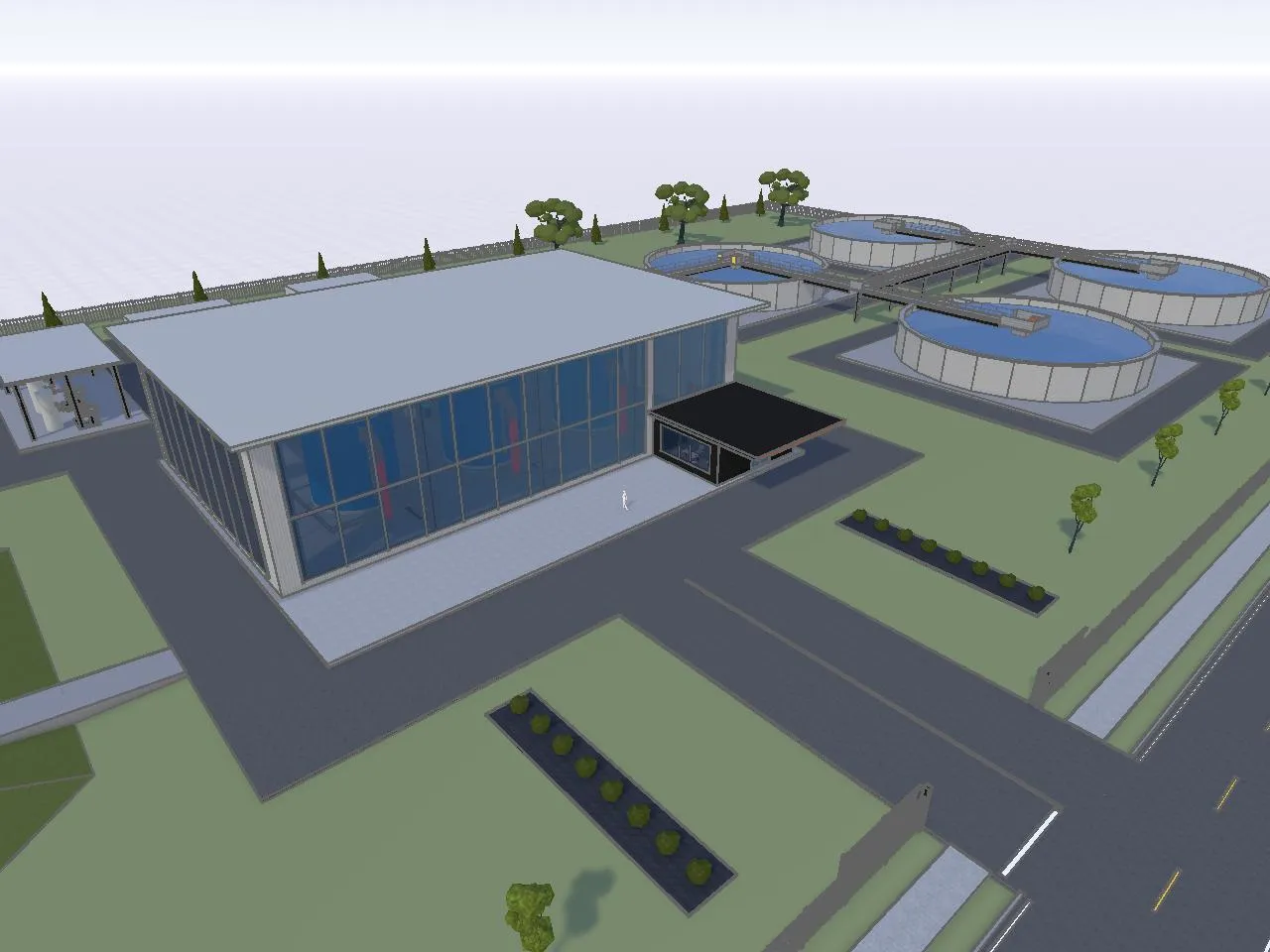 3D model
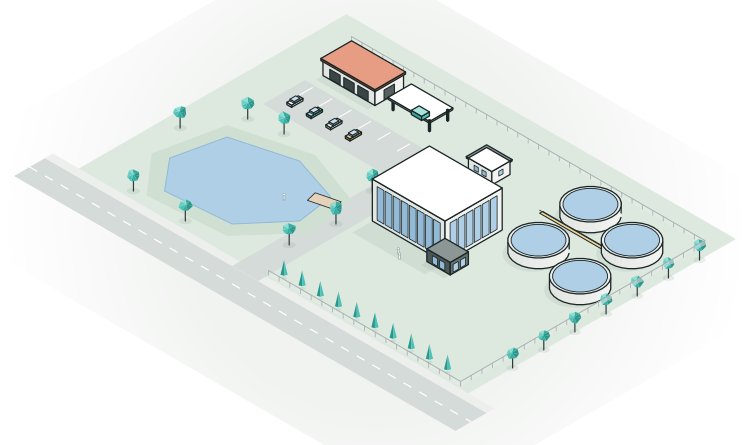
 Infrastructure
Treatment plants, depots and the roads that serve them.
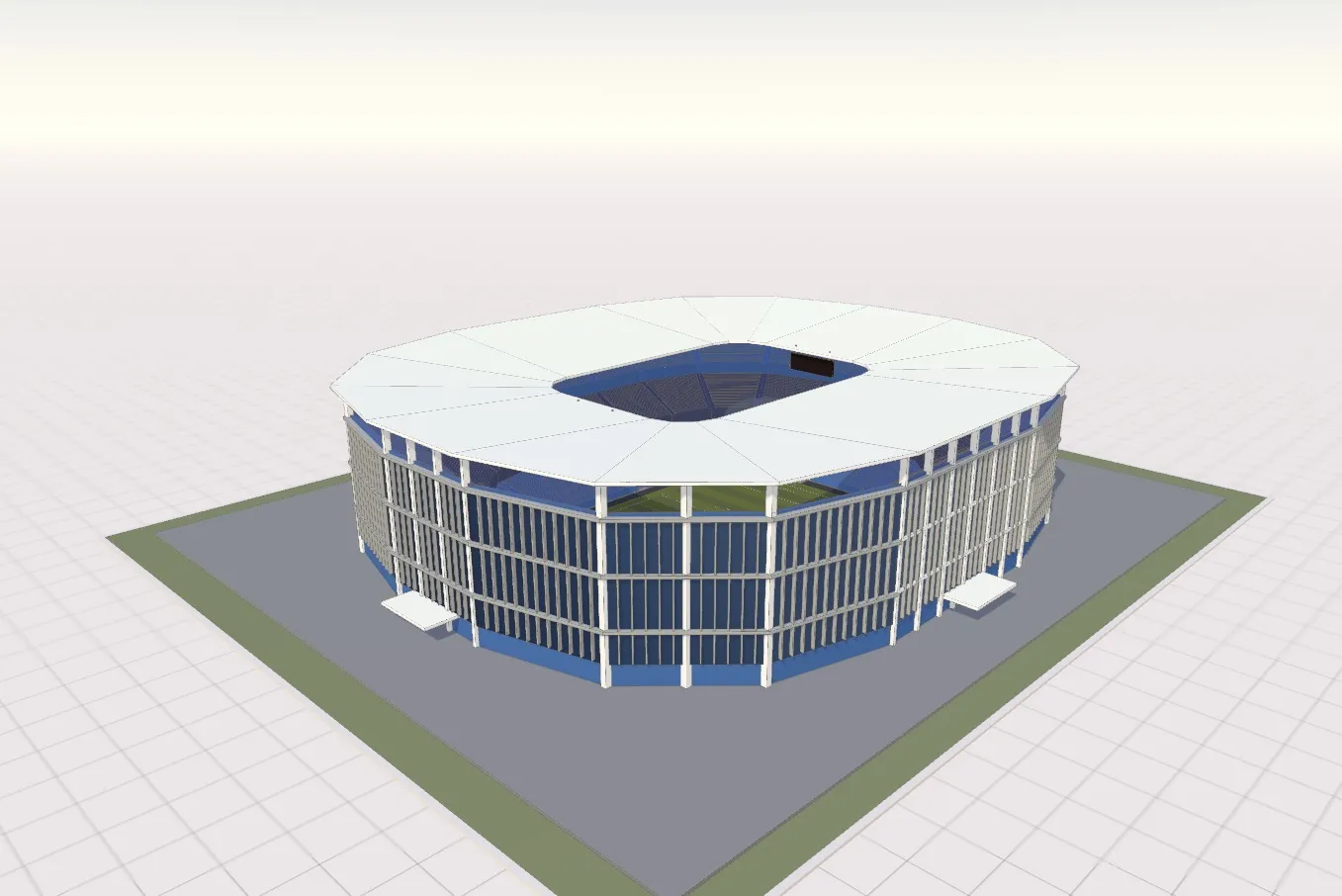
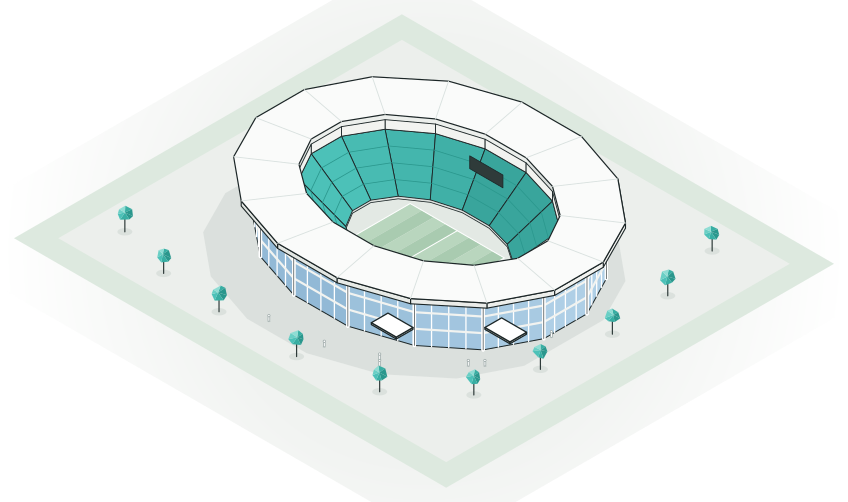
Venues and public buildings
Stadiums, halls and the spaces around them.
 3D model
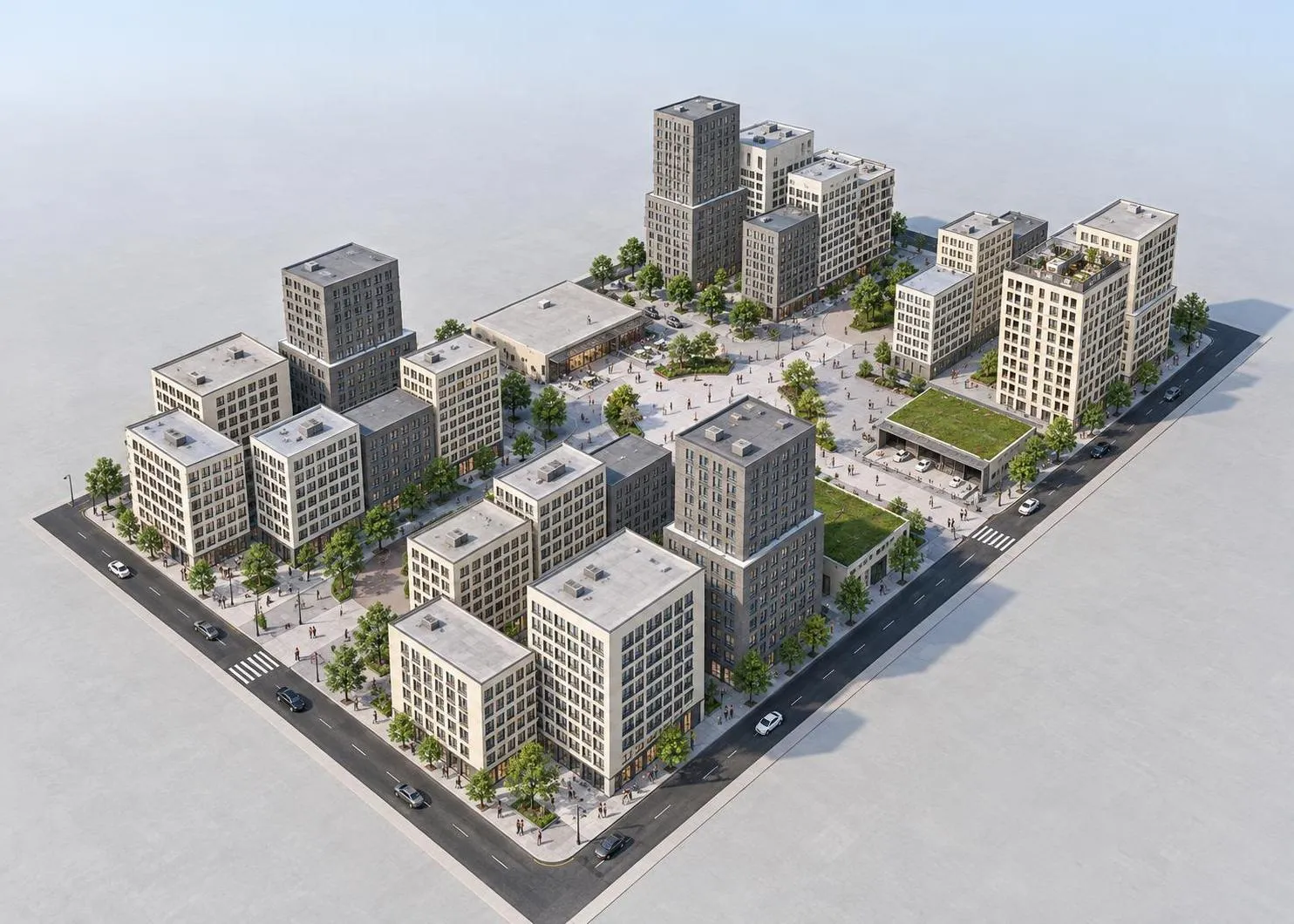
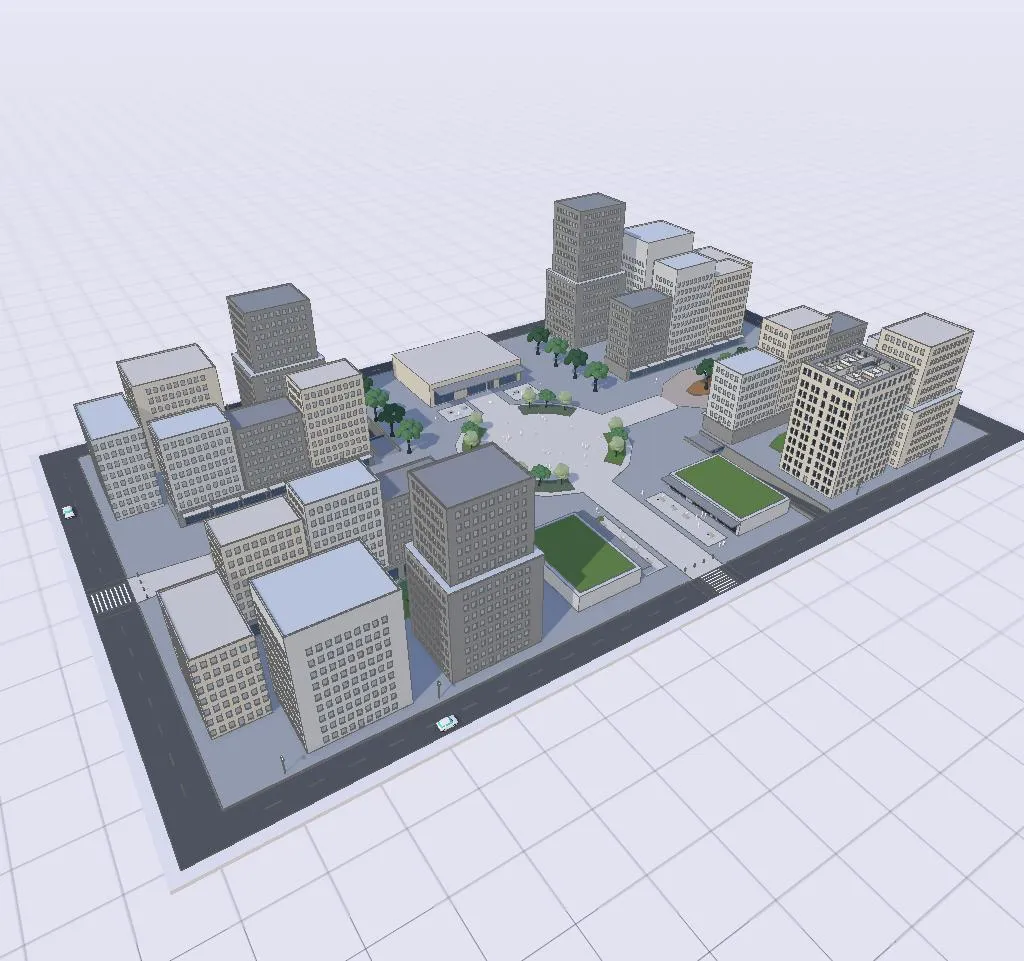
 Neighbourhoods and city blocks
New streets, squares and buildings, block by block.
 3D model
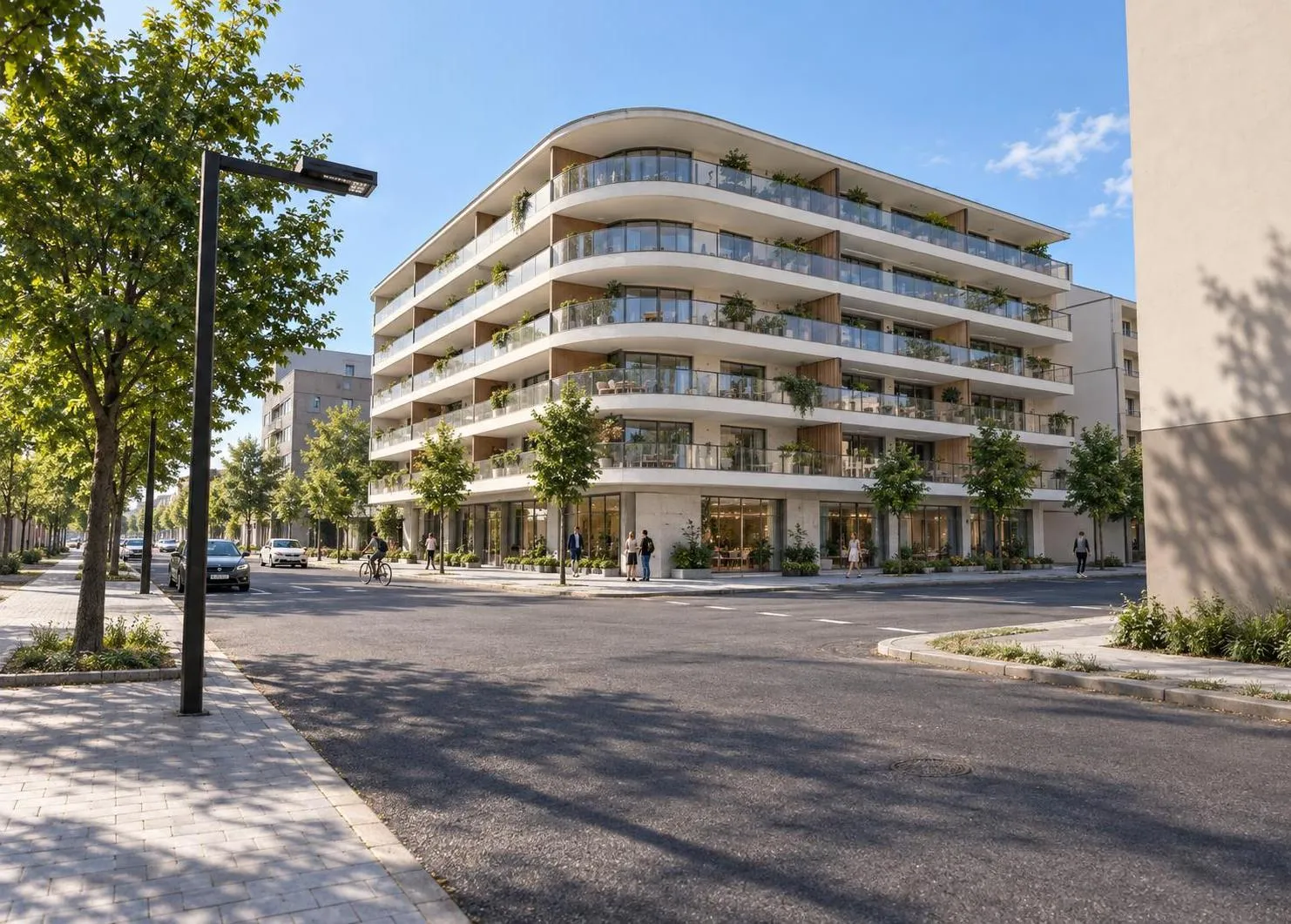
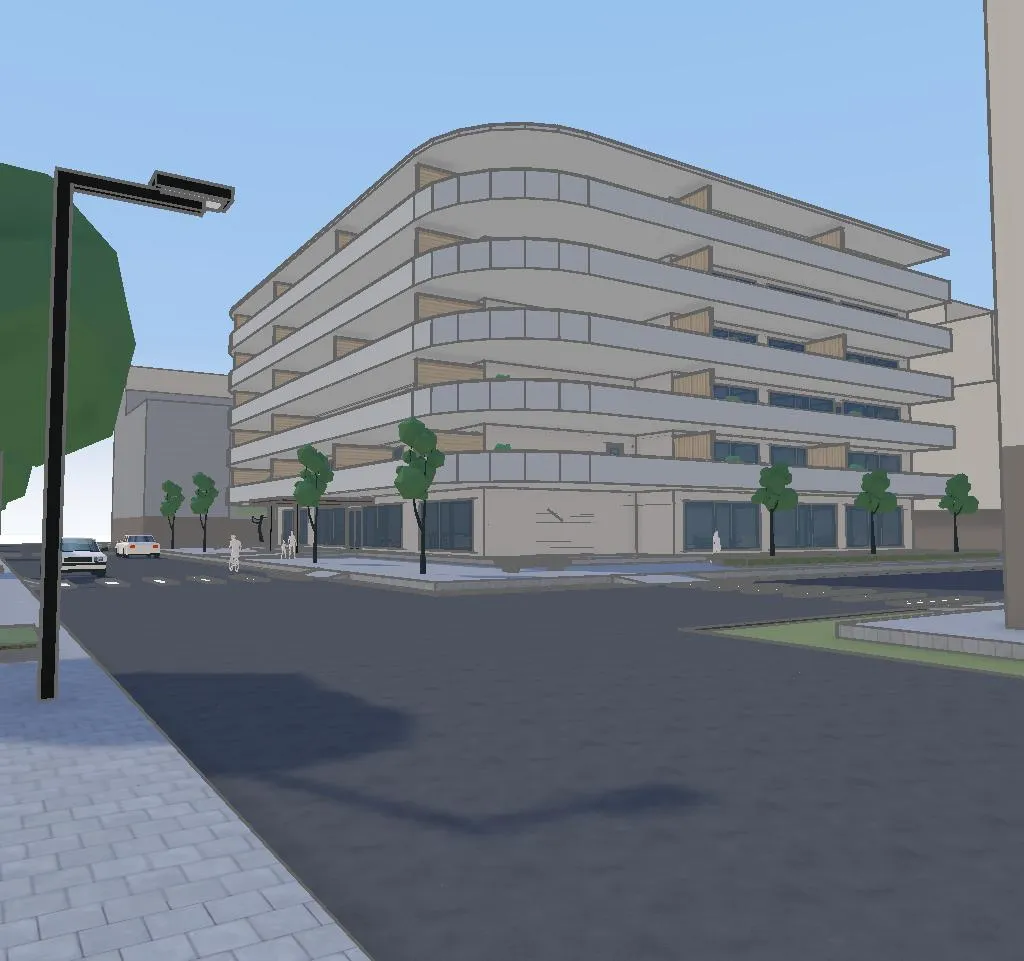
 Mixed-use buildings
Homes, shops and offices among their neighbours.
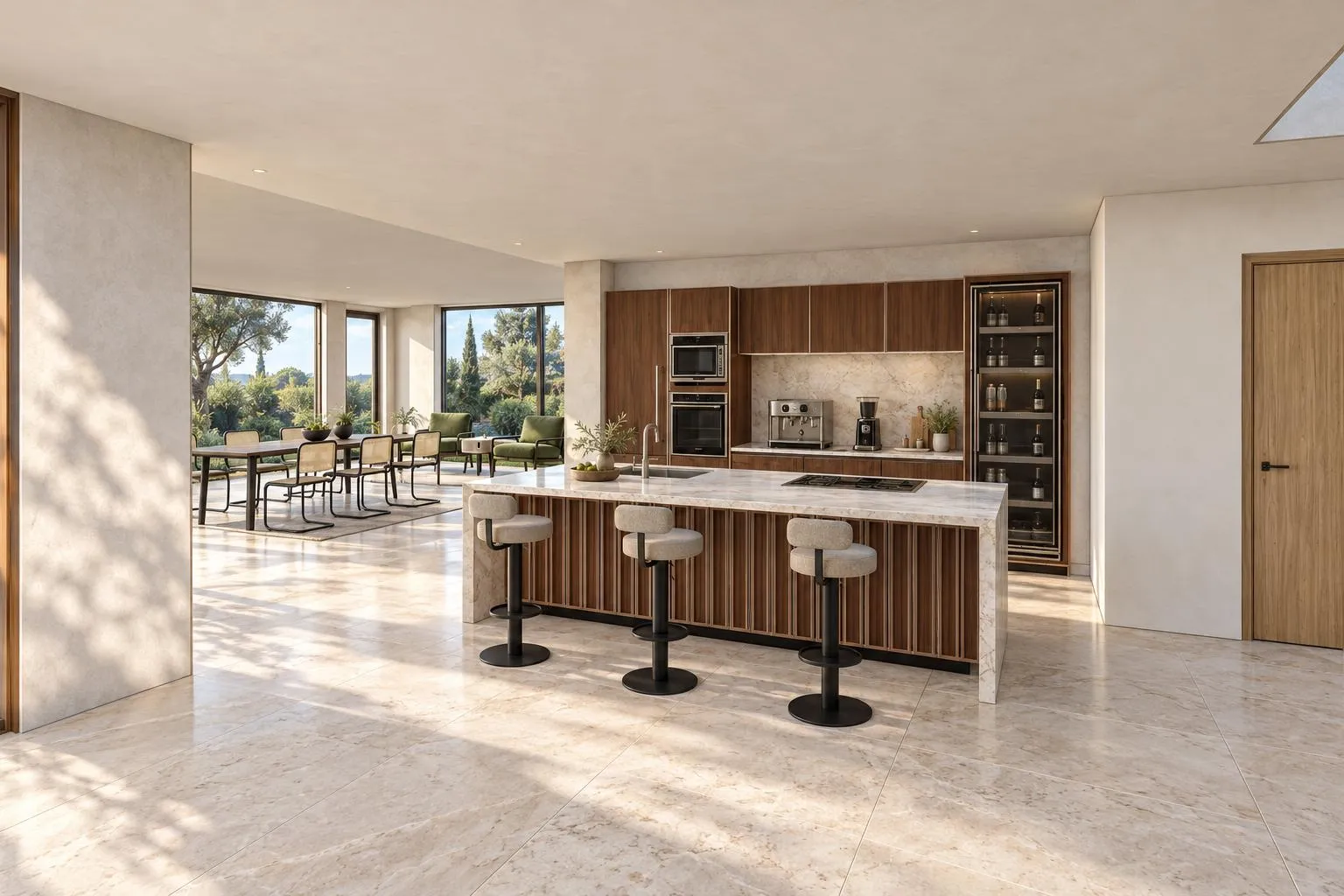
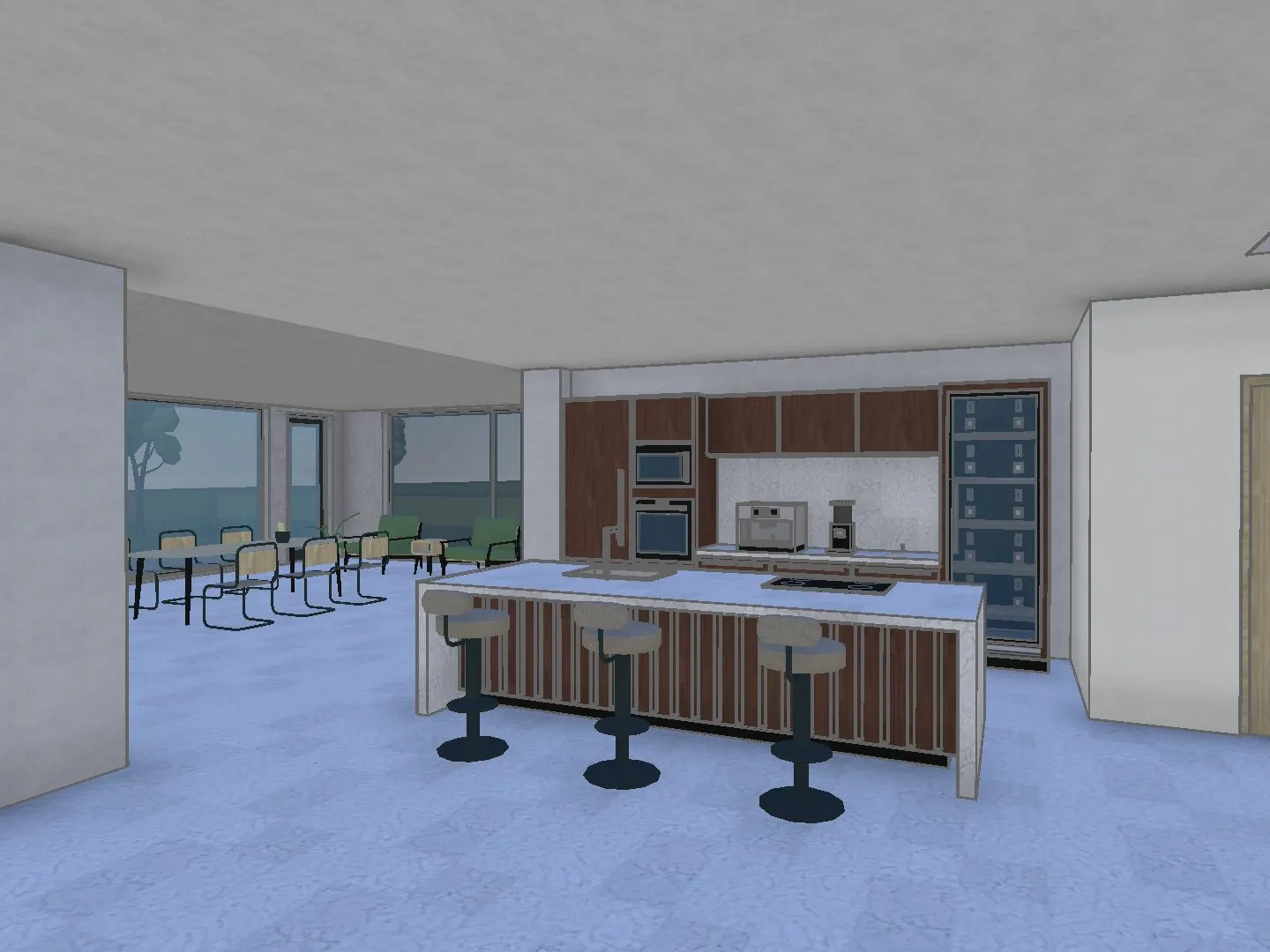 3D model
 Homes and renovations
Kitchens, extensions and holiday homes, option by option.
Teams on Arkio.
Being able to step inside the model together helps teams reach alignment faster and gives stakeholders a clearer understanding of the design.
 Abby ColemanInnovation Extended Reality Specialist, IMEG
Arkio feels playful and simple, but it enables serious immersive collaboration. Whether with clients, communities, or our own teams around the world, it helps us make better design decisions together.
 Anna MytculVisualization Specialist, KPF London
It just works! Arkio seems designed to be used and is easy to learn.
 Marius JablonskisDigital Transformation Leader, Norconsult
Good to know.
Does everyone need an Arkio account?
No. Anyone with a link can open the scene and walk through it without an account. With a free account people can also add notes and join the group chat, and editing a shared scene needs Plus or above.
Do people need to install anything?
No. Arkio runs in the browser on laptops, tablets and phones, so the owner, the contractor and the client can open the same link wherever they are.
Who pays for the AI?
Each person works with their own Arkio agent, on their own AI credits, or on the shared pool if your team is on the Team plan. Sharing a scene doesn't share your credits.
How many people can meet in the model at once?
Live design sessions hold up to 6 people on Pro and up to 12 on Team, with voice, the group chat and notes. Anyone else with the link can look around on their own time.
Can we bring in the models we already have?
Yes. On Pro and Team you can bring in models from Revit, Rhino, SketchUp, Archicad and Navisworks, review them with layers and BIM data, and design new options around them.
What happens once the design is agreed?
Export the model to Revit, Rhino or SketchUp, or as OBJ or GLB, and carry on with detailed design and documentation in the tools your team already uses.
Bring your next project to the table.
Describe it in a sentence, then share it with the whole team.
AI credits required · Runs in your browser · No 3D skills needed