Arkio v1.3 & Meta Quest Pro
Arkio featured as launch app for Meta Quest Pro enabling anyone to design, mix and share realities using color passthrough!

We’re excited to share the news that Arkio was featured at today’s Meta Connect event as a launch app for the new Meta Quest Pro mixed reality headset. Arkio has been optimized for the Meta Quest Pro to take full advantage of color passthrough as well as face and eye tracking, enabling new professional workflows and experiences.
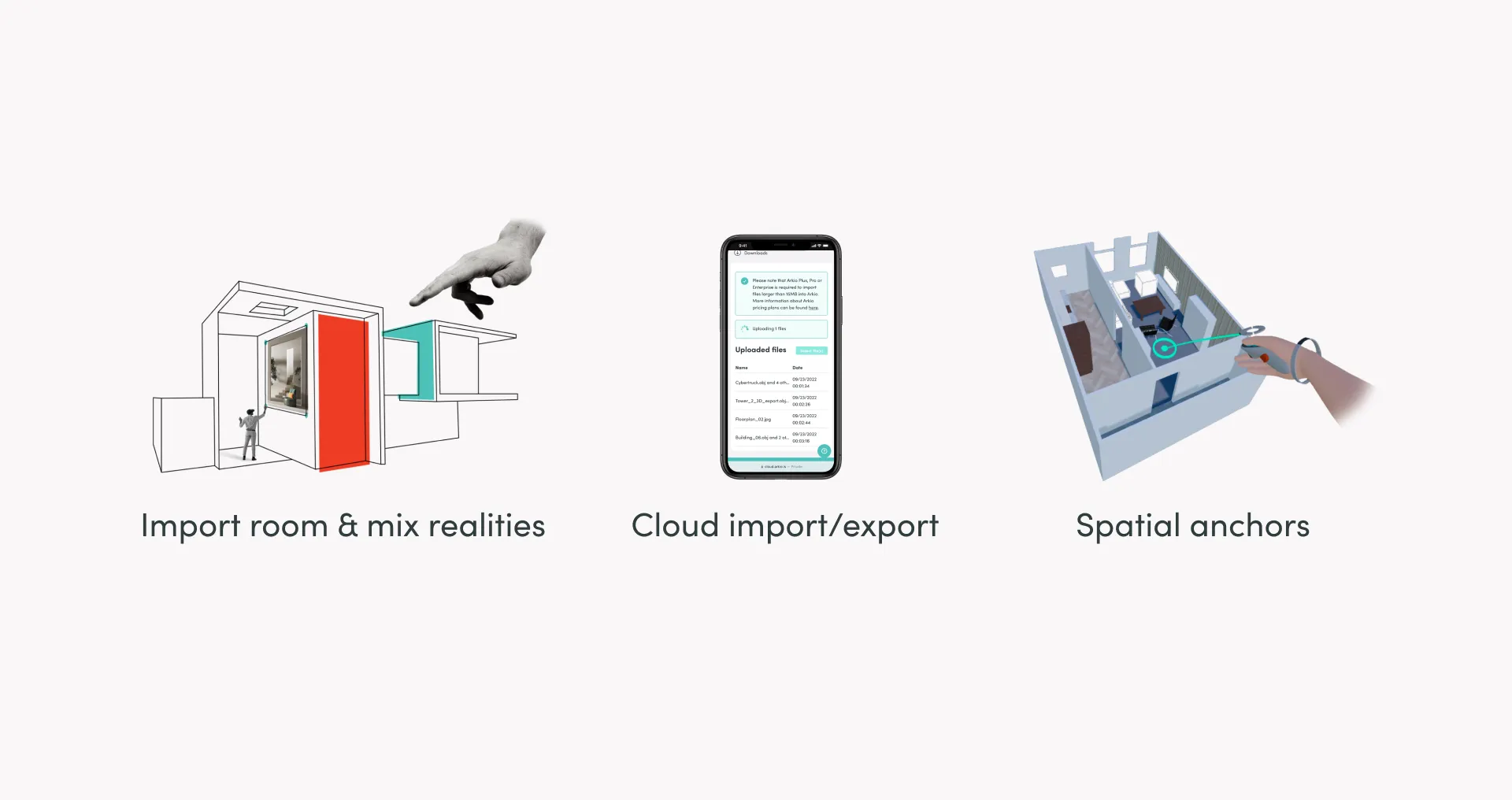
Arkio version 1.3, available today for free on the Quest App Store, adds new physical room import and passthrough capabilities that enable anyone to design, mix and share realities like never before. Place virtual furniture in your living room, sketch an extension on top of a building you’re remodeling, carve a virtual window into a wall or remove physical walls. View 3D models as scale models or experience them at true scale in the real world before they’re built.
“With Arkio on Meta Quest Pro our users will be able to design in mixed reality, seamlessly blending the real and virtual worlds using color passthrough and the Meta Presence Platform”, said Hilmar Gunnarsson, Founder & CEO of Arkio. “Being able to sketch and visualize changes to physical spaces and buildings in real-time opens up a world of possibilities for people doing spatial design, from hobbyists to design professionals.”
In addition to new passthrough capabilities, version 1.3 introduces a new cloud workflow that simplifies the transfer of 3D files and images to and from Meta Quest and other mobile devices. More than 50 new components, props and materials have been added to the Plus Content Pack and a new tutorial mode makes it easy to get started with Arkio. Version 1.3 is available today for Meta Quest while Meta Quest Pro users will be able to immerse themselves in Arkio on October 25th.
Please note: Room import and spatial anchors require Quest OS v46, or developer mode to be turned on if your device is on an earlier version.