Arkio is on the Quest App Store!
It’s official: Today we launched Arkio on the Quest App Store!

This is an exciting step forward in the development of Arkio as we continue to make collaborative spatial design easier and more accessible for our community of professional architects, designers, game developers and hobbyists. Today’s release is in many ways our biggest release yet, adding new features that are pushing the boundaries of what’s possible with spatial design in VR.
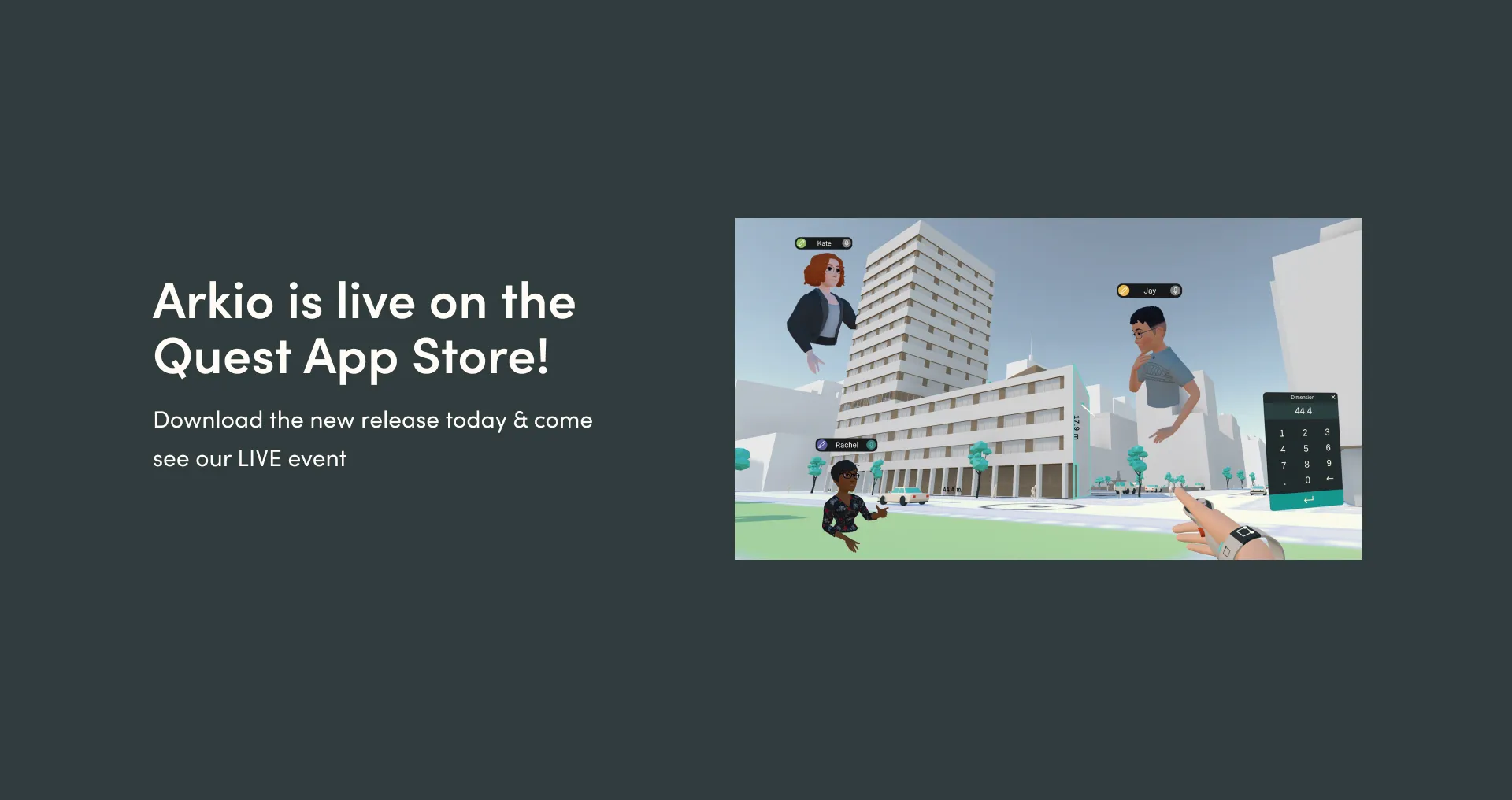
This version adds Meta Avatars and Passthrough modeling on Meta Quest, parametric components, a bi-directional Unity workflow and more. Arkio on Quest now supports importing 2X larger 3D models from other design tools and you can use our new BIM data and note tools for easy design reviews on any device.
Download Arkio for Meta Quest here and check out the v1.2 release notes for a complete overview of what’s new. We have also added new tutorial videos on arkio.is/learn showing some of the new capabilities.
Here’s a preview of the new Arkio release in action.
Please note that if you have been using Arkio on Quest you will need to download the official App Store version instead. You can try all the basics of Arkio for free!
We will not continue to update the App Lab version beyond today and it has now been renamed Arkio - beta. You can however transfer your old Arkio scenes to the new store version by using the scene transfer feature that’s now available in the final update to the old App Lab version.
Later on today, at 12 PM PST (3 PM EST / 9 PM CET), we are hosting a live demonstration of the new features on our YouTube channel. Don’t miss it and join the live chat as we’ll also host a Q&A at the end of the demo!